How Can I See My Text Messages on iCloud in 2026

TL;DR
- iCloud stores your messages if Messages in iCloud is turned on
• Conversations sync automatically across iPhone, iPad, and Mac
• You cannot read messages directly on iCloud.com
• Exporting messages to a computer helps keep safe backups
Intro
Many people assume iCloud works like an online inbox where you can log in and read your messages.
That sounds logical, but Apple designed it differently.
In 2026, iCloud works more like a syncing system. It keeps conversations consistent across all your Apple devices instead of showing them inside a web dashboard.
Once syncing is enabled, your messages appear automatically on:
iPhone
iPad
Mac
So the real question is not whether messages are stored in iCloud. They are. The question is how you can actually see them.
Quick Answer: Can You See Text Messages on iCloud?
No. You cannot open iCloud.com and browse your text message conversations.
iCloud stores messages and synchronizes them across Apple devices using the Messages in iCloud feature.
When syncing is enabled, your conversations automatically appear on: iPhone, iPad and Mac
If you want to view messages on a computer or save them outside iCloud, they usually need to be exported from your device.
What Messages in iCloud Actually Does
Messages in iCloud keeps your conversations synchronized across devices using the same Apple ID.
Instead of storing messages in a place you can browse online, iCloud keeps every device updated with the same message history.
When the feature is active
• new messages appear on all devices• deleted messages disappear everywhere• photos and attachments stay synced
Your messages stay updated across all your iOS devices
If you want a simple explanation of how Apple syncing works between devices, this guide explains it clearly.
How to Turn On Messages in iCloud
If messages are not appearing across devices, the feature may not be turned on yet.
On iPhone
Open Settings
Tap your Apple ID
Select iCloud
Tap Messages
Turn on Sync this iPhone
Your messages will begin syncing to iCloud.
On Mac
Open the Messages app
Click Messages → Settings
Open the iMessage tab4 Turn on Messages in iCloud
Your conversations should now appear across devices.
Can You Read Messages on iCloud.com?
Many people try opening iCloud.com expecting to see their message history.
Unfortunately Apple does not provide message access through the website.
The iCloud web interface only displays Photos, Contacts, Notes, Files, Mail.
Messages are not included.
So if you want to read conversations on a computer you need another method.
How to See iPhone Text Messages on a Computer
There are three realistic ways to access your messages from a computer.
Option 1 Use a Mac
If your Mac uses the same Apple ID, the Messages app will automatically show synced conversations.
This is the easiest option for Apple users.
Option 2 Restore a Backup
You can restore an iPhone backup containing your messages.
However restoring a backup replaces existing data on the device. This means you could lose recent messages.
Because of that many users avoid this method.
Option 3 Export Messages to Your Computer
If your goal is to view or archive conversations safely, exporting messages directly is usually easier.
Tools like AltTunes allow you to
• export full message conversations• save attachments from chats• keep readable message archives
Many people use this approach when they need to store conversations long term.
If you are also transferring files between your computer and iPhone, this guide may help.
Where Are Text Messages Stored in iCloud?
When Messages in iCloud is enabled, your conversations are stored inside your iCloud storage.
This includes
• iMessage conversations
• SMS messages
• MMS messages
• photos and attachments from chats
These messages stay synchronized across devices using the same Apple ID.
However the conversations themselves are only visible inside the Messages app on Apple devices.
How to sync photos from iPhone to computer easily
The most reliable way to do it is to export them locally.
Instead of syncing accounts, you copy photo files directly to your computer. These files can be stored, moved, or backed up again later.
What you need before starting: an iPhone, a Windows computer, a USB cable.
AltTunes works locally and does not rely on iCloud.
Step-by-step using AltTunes
But first things first download the AltTunes app.

AltTunes
An Alternative to iTunes That We Always Wanted
1. Connect your iPhone
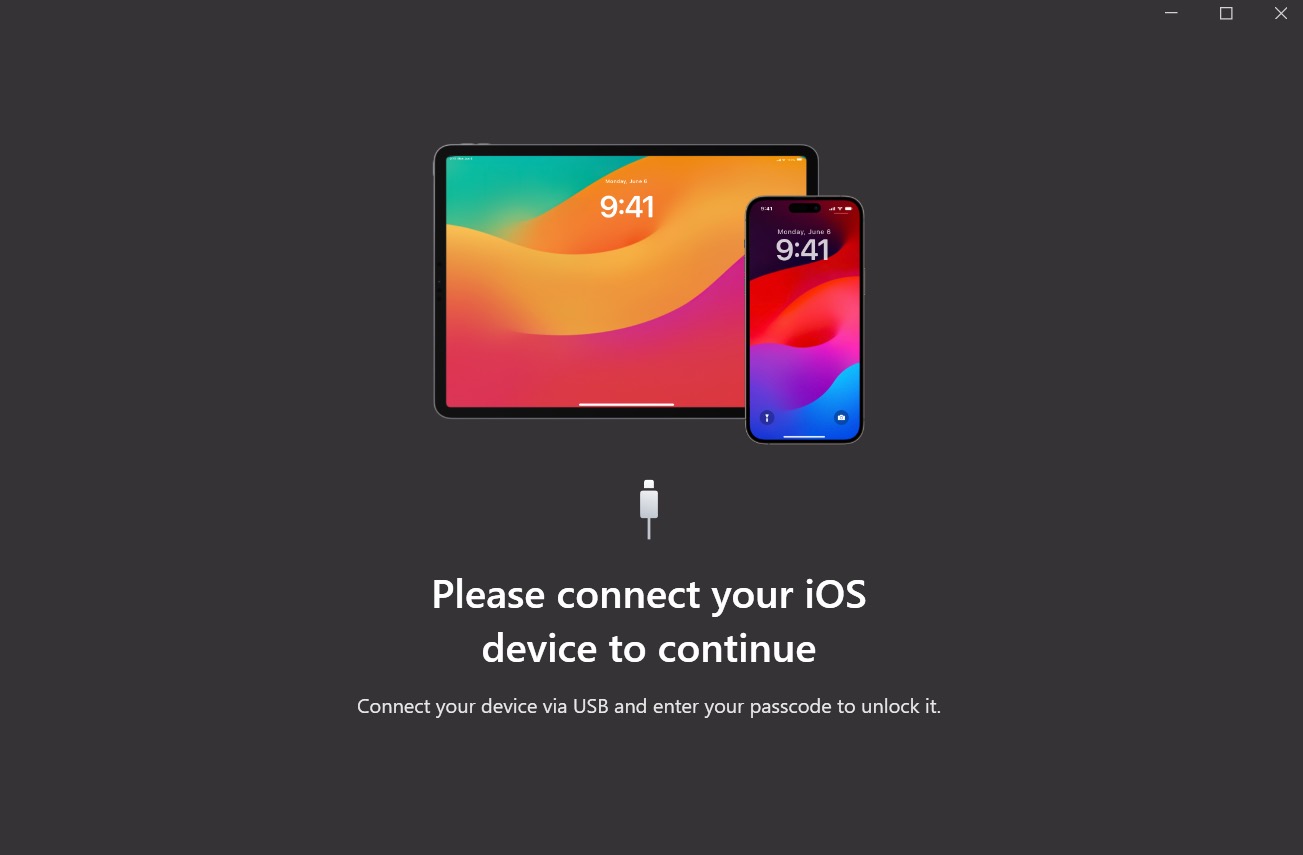
Connect your iPhone to your computer using a USB cable. Open AltTunes and wait for the device to appear.
The app detects your iPhone automatically.
2. Export your photos
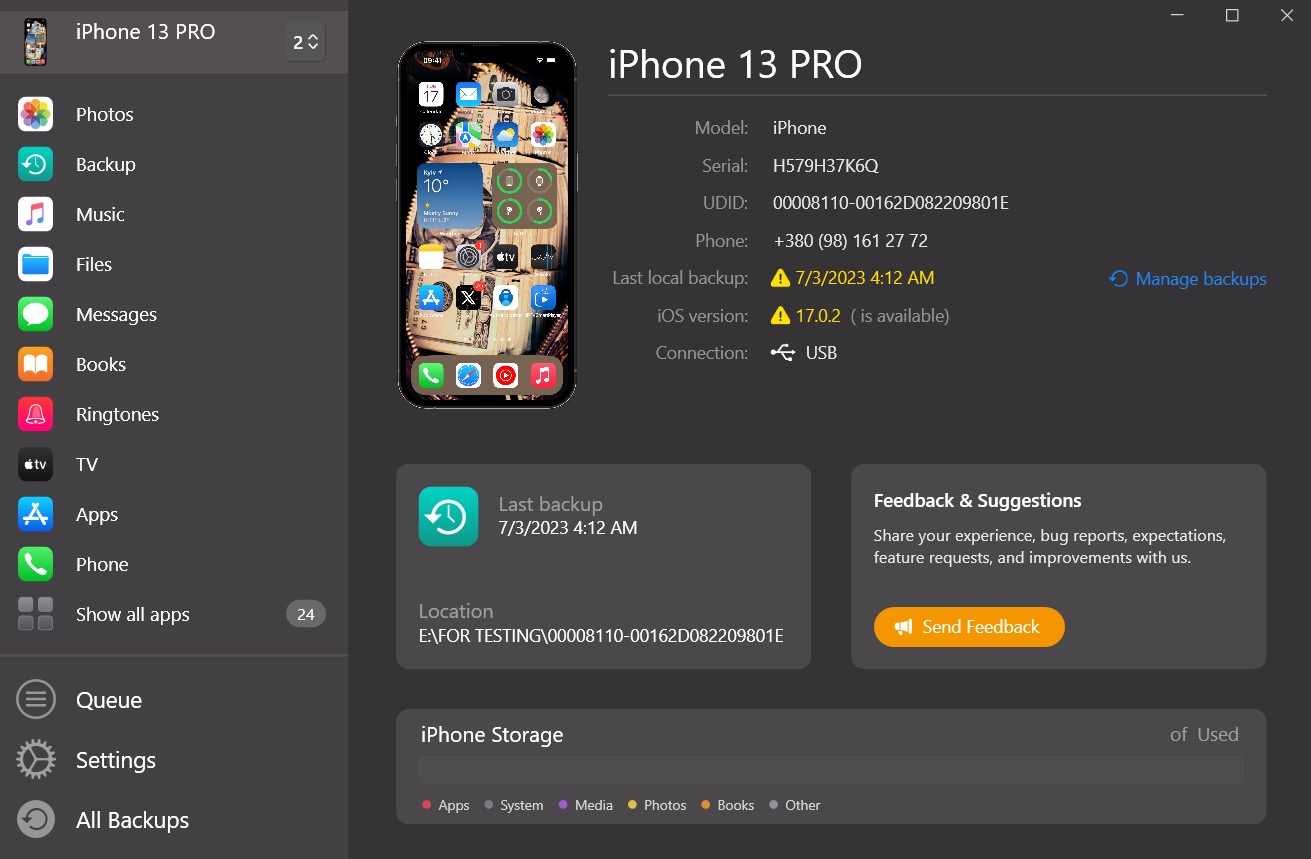
Open the Messages section inside AltTunes. Choose the conversations you want to copy.
AltTunes saves messages directly to your computer in their original format.
3. Store your messages backup
Once exported, your conversations are available as normal image files. You can move them to another folder, an external drive, or keep them on your computer. Even use them in court If needed.
What Most People Get Wrong About iCloud Messages
Many users believe iCloud stores permanent message backups.
In reality iCloud behaves more like a mirror.
This means deleting a message removes it everywhere, edits sync instantly, restoring backups can overwrite conversations.
If you want to keep your phone data safe long term, it also helps to understand how iPhone backups work.
Key Takeaways
iCloud synchronizes messages across Apple devices
Messages cannot be viewed directly on iCloud.com
Conversations appear automatically on iPhone, iPad, and Mac
Deleting messages removes them from all synced devices
Exporting conversations to a computer preserves important chats
Next Step
If you want more control over your message history, the app AltTunes is your best way.
An Alternative to iTunes That We Always Wanted

FAQs
Can I see my text messages directly on iCloud.com?
No. Apple does not allow message conversations to be viewed through the iCloud website.
How can I read my iPhone messages on my computer?
You can view messages on a Mac using the Messages app if syncing is enabled. On Windows, conversations usually need to be exported from the device.
Why are my messages not syncing with iCloud?
This usually happens when Messages in iCloud is not enabled or devices are signed into different Apple IDs.
Does iCloud store deleted text messages?
When syncing is active, deleting a message removes it from all devices connected to the same account.
Can I download my messages from iCloud?
Messages cannot be downloaded directly from iCloud.com. They must be exported from a device or backup.
AltTunes
Seamlessly Browse, Manage & Export iOS Data
