Best Batch Video Downloaders for Fast Playlist Downloads


Best batch video downloader: quick verdict
Quick answer: Choose SYC PRO when permitted YouTube, SoundCloud or Vimeo videos need to reach an iPhone from a Mac. Choose SnapDownloader for scheduled desktop video queues, or Free Download Manager for batches of direct file links. Playlist downloading, direct-link downloading and converting files you already own are different jobs. None of these recommendations is a measured speed winner; check the source site, operating system and destination before starting a large batch.
Tool | Best for |
|---|---|
SYC PRO | Permitted online video sent from Mac to Apple devices |
SnapDownloader | Scheduled desktop video queues |
Free Download Manager | Free direct-link queues and resume support |
Before we begin
Download Softorino YouTube Converter PRO for Mac to save permitted playlists or multiple YouTube, Vimeo and SoundCloud items. Choose the format and destination before starting. This link provides the Mac installer. SYC PRO is not a standalone iPhone downloader; Windows readers should check the platform limits below.
Why listen to us?
Vendor disclosure: Softorino makes SYC PRO. This comparison uses current official product and licensing pages reviewed on October 24, 2026. No hands-on app tests or download-speed benchmarks were performed for this update. The existing author byline is retained; it does not imply the author personally tested these versions.
Full comparison table
Tool | Best for | Desktop platform | Batch job | Licensing | Main limitation |
|---|---|---|---|---|---|
SYC PRO | Mac-to-Apple-device video | Mac; Windows audio path documented | Supported playlists and online media | Free trial; paid license | Windows video-transfer parity unverified; price pages differ |
SnapDownloader | Scheduled video queues | Mac, Windows | Multiple URLs, playlists, channels | Trial; subscription or lifetime options | Supported sites and formats can change |
VideoHunter | Multiple supported video links | Mac, Windows | Batch video downloads | Limited trial; paid plans | Plan and playlist coverage need checking |
AVS Video Converter | Existing local files | Windows | Batch conversion, not verified URL downloading | Core conversion advertised free | Not a playlist-downloader recommendation |
VideoProc | Downloading plus conversion | Mac, Windows | URL batches, playlists, channels | Limited trial; annual or lifetime license | Broader suite than a queue-only app |
Free Download Manager | Direct-link file queues | Mac, Windows, Linux | Direct files and resume support | Free | Do not assume YouTube playlist support |
Ninja Download Manager | Scheduled direct-link queues | Mac, Windows | Multi-add lists and queues | Free, including former Pro features | Not a verified playlist extractor |
How we evaluated
Method: Official documentation was compared on batch input, desktop platform, output format, destination, queue controls and licensing. Source pages were reviewed on October 24, 2026. Prices below identify the observed currency and plan; region, taxes and promotions may differ. Conflicting offers are flagged rather than converted into a guessed price.
Scope: The seven existing entries stay in their original order. AVS remains a conversion-only alternative, not a claimed online downloader. Existing vendor-page screenshots are historical illustrations, not new test records. Their offers, version labels, ratings and system requirements are not current verification; use the dated text below.
Quick Takeaways
A playlist URL, a list of direct links and a folder of local videos require different workflows.
The desktop platform and final playback device both matter.
Free download, free trial and free software are different offers.
Permission to view a video does not automatically permit downloading it.
1. SYC PRO
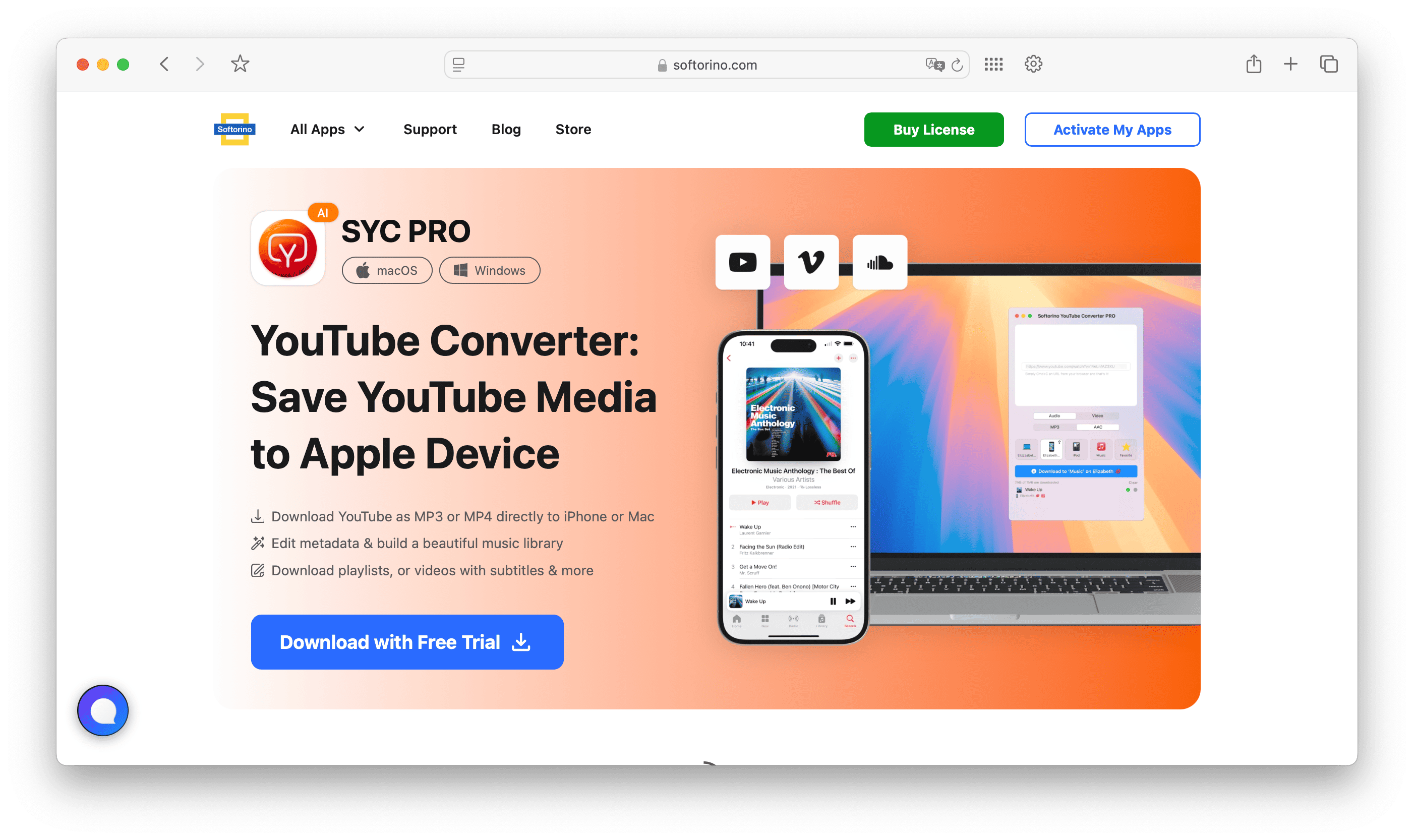
Softorino YouTube Converter PRO, or SYC PRO, fits Mac users who want permitted online video or audio on an Apple device. Its documented Mac workflow supports MP4 video and MP3 audio. Choose it for that destination, rather than assuming it is an archive tool for every website.
SYC PRO key features
SYC PRO supports playlist-style downloading, so you can queue more than one video instead of copying links one at a time. Choose MP4 when you want video. Choose MP3 when you only need audio. Keep quality claims grounded: available quality depends on the original upload and the source platform.
The app also helps with metadata. That matters when you download music or video in bulk. A folder full of anonymous files is still a mess, even if the downloads finished quickly.
SYC PRO pros
- The documented Mac workflow sends supported downloads straight to an Apple device without a separate transfer app.
- MP4 video, MP3/AAC audio and metadata editing address the offline-library workflow.
SYC PRO cons
Do not treat SYC PRO as a raw archive tool for every site on the internet. Its best lane is YouTube, SoundCloud, Vimeo, playlists, MP4/MP3 output, and offline iPhone use. If you need a power-user archiver for entire channels, compare it with 4K Video Downloader+ before deciding.
Windows caveat: The current product page lists Windows and explicitly describes audio sent to Apple Music on iPhone. Its step-by-step iPhone video instructions describe a Mac. We did not verify equivalent direct video transfer on Windows. Check that exact workflow in the trial before buying for it.
If you already have local MP4, MKV or AVI files, use WALTR PRO for the separate transfer step to iPhone. It is not the batch online downloader in this comparison.
SYC PRO pricing
A free trial and paid licensing are offered. On October 24, 2026, the product FAQ quoted USD 39.96 without a clear term, while the store displayed a $0.99 first day and $3.46 per week billed annually. These are not equivalent offers. Confirm the full renewal amount and billing term before buying; no single comparable annual price is verified here.
Who SYC PRO is best for
Use SYC PRO on Mac for permitted playlists headed to an iPhone. Choose video or audio and the destination device. For direct file links saved to a desktop folder, FDM may be enough.
Sources: Softorino YouTube Converter product page and Softorino Store, reviewed October 24, 2026.
2. SnapDownloader
SnapDownloader is a desktop downloader for people who want a straightforward app with multiple URL handling, scheduling, format choices, and background downloading. It is a good fit when you want more control than an online converter but do not need a full media-management workflow.
SnapDownloader key features
SnapDownloader can handle multiple URLs and common video/audio output formats. That gives it a practical lane for users who need bulk downloads and format conversion in one app.
Do not buy any downloader based on a supported-sites number alone. Site support changes when platforms change their video delivery. Check the current vendor page for the source you need before you commit.
SnapDownloader pros
- Scheduling lets a prepared queue start at a chosen date and time.
- Playlist, channel and multiple-URL input suit desktop video collections.
SnapDownloader cons
SnapDownloader is a general desktop downloader. If your real destination is iPhone, compare the extra transfer steps against SYC PRO. A download that still needs another app, cable workflow, or manual sync may not save you time.
SnapDownloader pricing
The official annual tab displayed USD 29.99 per year on October 24, 2026, billed annually and cancellable. Monthly and lifetime options are listed separately; a free trial is available. Check the selected plan and renewal terms rather than treating the annual amount as a one-time price.
Who SnapDownloader is best for
Use SnapDownloader if you download batches on a desktop and want to queue work, walk away, and come back later. Scheduling and background downloading make sense when you have a long list of links and do not want the app blocking your day.
Source: SnapDownloader product and Buy pages, reviewed October 24, 2026. Current requirements list Windows 8 or later and macOS 11.0 or later; the historical screenshot shows an older macOS requirement.
3. VideoHunter
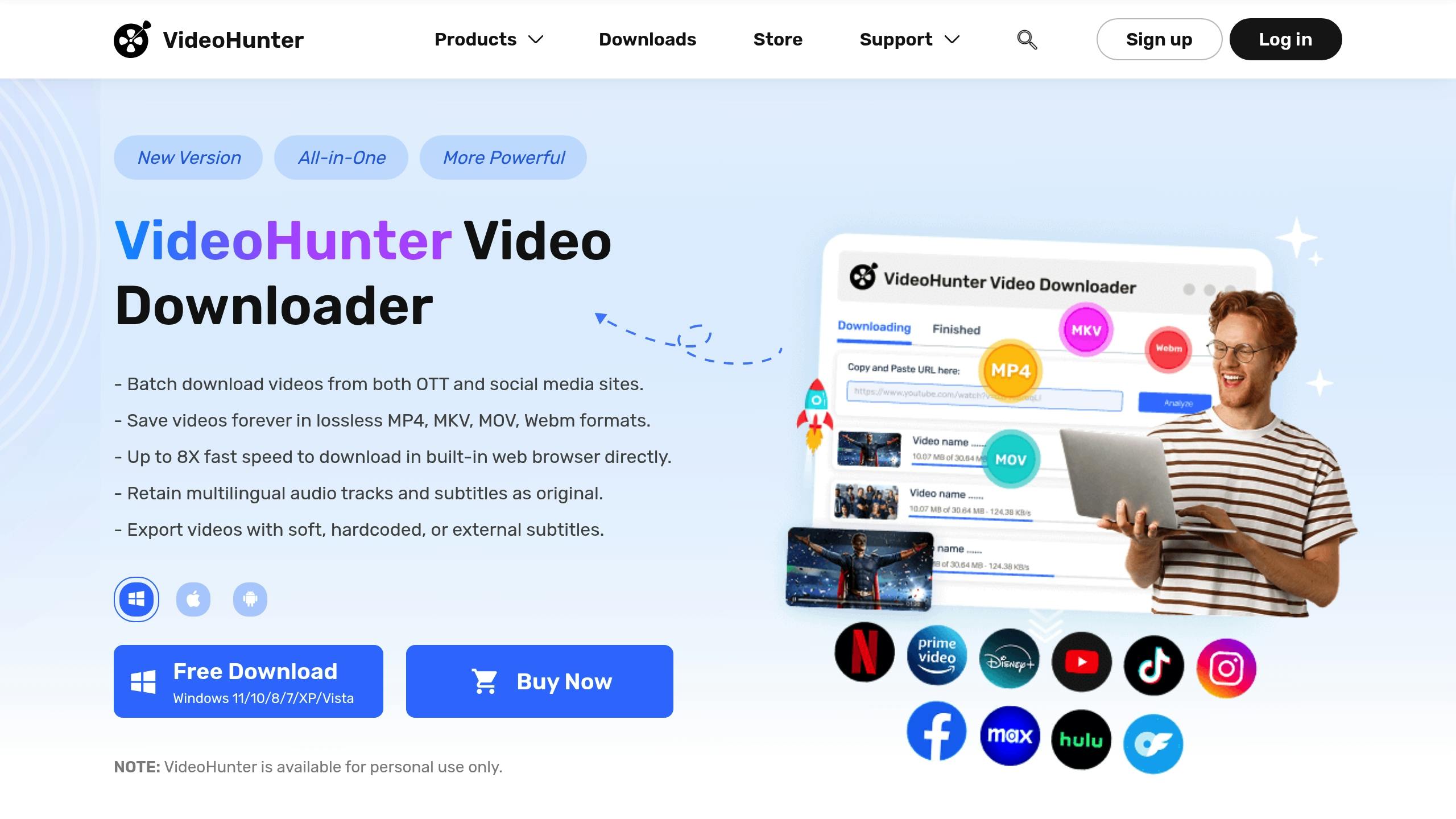
VideoHunter fits readers who want to process several supported video links in a desktop interface. Its current product range spans multiple sources and plans, so confirm the exact site and batch input in the trial. Do not assume every advertised streaming-service feature is permitted by that service.
VideoHunter key features
The official homepage documents batch downloads. Its store lists several video and audio output formats, but playlist coverage is source-specific. Test your permitted URLs in the limited trial instead of assuming universal playlist or channel support.
VideoHunter pros
- Multiple supported links can be handled in one desktop workflow.
- The official store lists MP4, MKV, MOV and WebM video plus M4A and MP3 audio output.
VideoHunter cons
Keep speed claims in perspective. Every downloader depends on the source, your connection, server throttling, video length, and selected quality. A tool can have a good queue system and still slow down when the platform or network slows down.
VideoHunter pricing
The observed Mac store offered a 10-day limited trial and one-time Pro at EUR 89.07 or Ultimate at EUR 115.80 for one Mac on October 24, 2026. The homepage separately quoted monthly USD plans. Region, platform and plan differ; verify the exact offer before paying. Do not treat the trial as unlimited free use.
Who VideoHunter is best for
Use VideoHunter for batches of supported video links saved to local folders. Check your intended playlist separately before buying; current plan wording varies by source. It is not necessary to purchase streaming-service features just to save authorized public videos.
Sources: VideoHunter homepage and official store, reviewed October 24, 2026. Playlist support is source-specific; the current store does not substantiate a universal channel-download promise.
4. AVS Video Converter
AVS Video Converter is best treated as a Windows conversion tool with downloader-adjacent use, not as the strongest pure batch video downloader. That distinction matters. If you mostly need to convert a batch of local files into MP4, AVI, MKV, or MOV, AVS makes more sense than if you need playlist-first YouTube downloading.
AVS Video Converter key features
AVS focuses on turning media into formats your devices can play. It also includes basic editing tools such as trimming and cropping, which can help when you want to clean up local files before saving or sharing them.
AVS Video Converter pros
- Batch conversion can process existing local videos together.
- Device presets and basic editing help prepare files for playback.
AVS Video Converter cons
Do not choose AVS as your first pick for YouTube playlist downloads unless you verify the current download workflow. For batch downloading from online sources, SYC PRO, SnapDownloader, VideoHunter, VideoProc, or 4K Video Downloader+ are more obvious comparisons.
AVS Video Converter pricing
The official product page advertises core video conversion as free without conversion restrictions, checked October 24, 2026. It also mentions paid full-version subscriptions for additional functionality. No paid plan is required for the core-conversion claim here; this is not a free playlist-downloader claim.
Who AVS Video Converter is best for
Use AVS Video Converter if you are on Windows and your main pain is format compatibility. Maybe you already downloaded videos, but they will not play on your device. Maybe you need presets for different screens. That is converter territory.
Source: AVS Video Converter product page, reviewed October 24, 2026. Windows only; the vendor lists no Mac or Linux version.
5. VideoProc
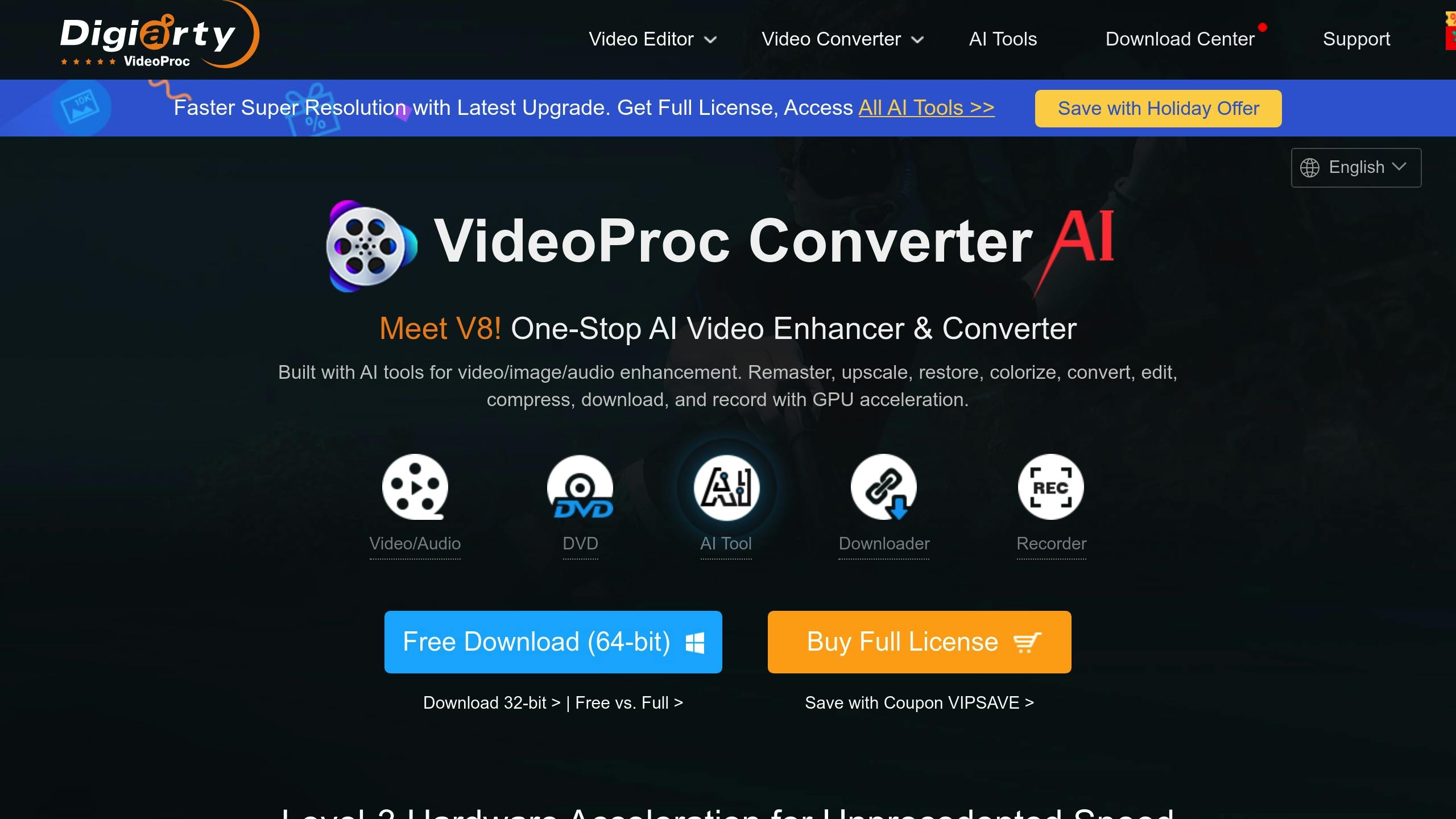
VideoProc is a broader media tool. It combines downloading, conversion, editing, compression, and recording features. That makes it useful if you want one app for several video jobs, but it may feel like too much if all you need is a simple YouTube playlist downloader.
VideoProc key features
VideoProc can handle large URL queues and playlist-style downloads. It also adds conversion and editing tools, which helps when downloaded videos need a different format or smaller file size before you store them.
VideoProc pros
- Downloading, conversion, compression and editing share one application.
- The official product page documents batch, playlist and channel downloads.
VideoProc cons
More features are not always better. If you only want to save a playlist as MP4 or MP3 and use it offline on iPhone, SYC PRO is the cleaner path. If you want a general media workstation, VideoProc is worth comparing.
VideoProc pricing
On October 24, 2026, the Mac store displayed Premium 365 at $34.95 for one year on three Macs. A lifetime license for one Mac cost $54.95. The captured page did not state a currency code, so USD is not assumed. These were sale prices; tax may apply. A limited trial is separate from full access.
Who VideoProc is best for
Use VideoProc if you download videos and then edit, convert, compress, or extract subtitles from them. It fits users who want a toolbox, not only a queue.
Sources: VideoProc Converter AI product and purchase pages, reviewed October 24, 2026. Verify Windows pricing separately; the captured offer was for Mac.
6. Free Download Manager
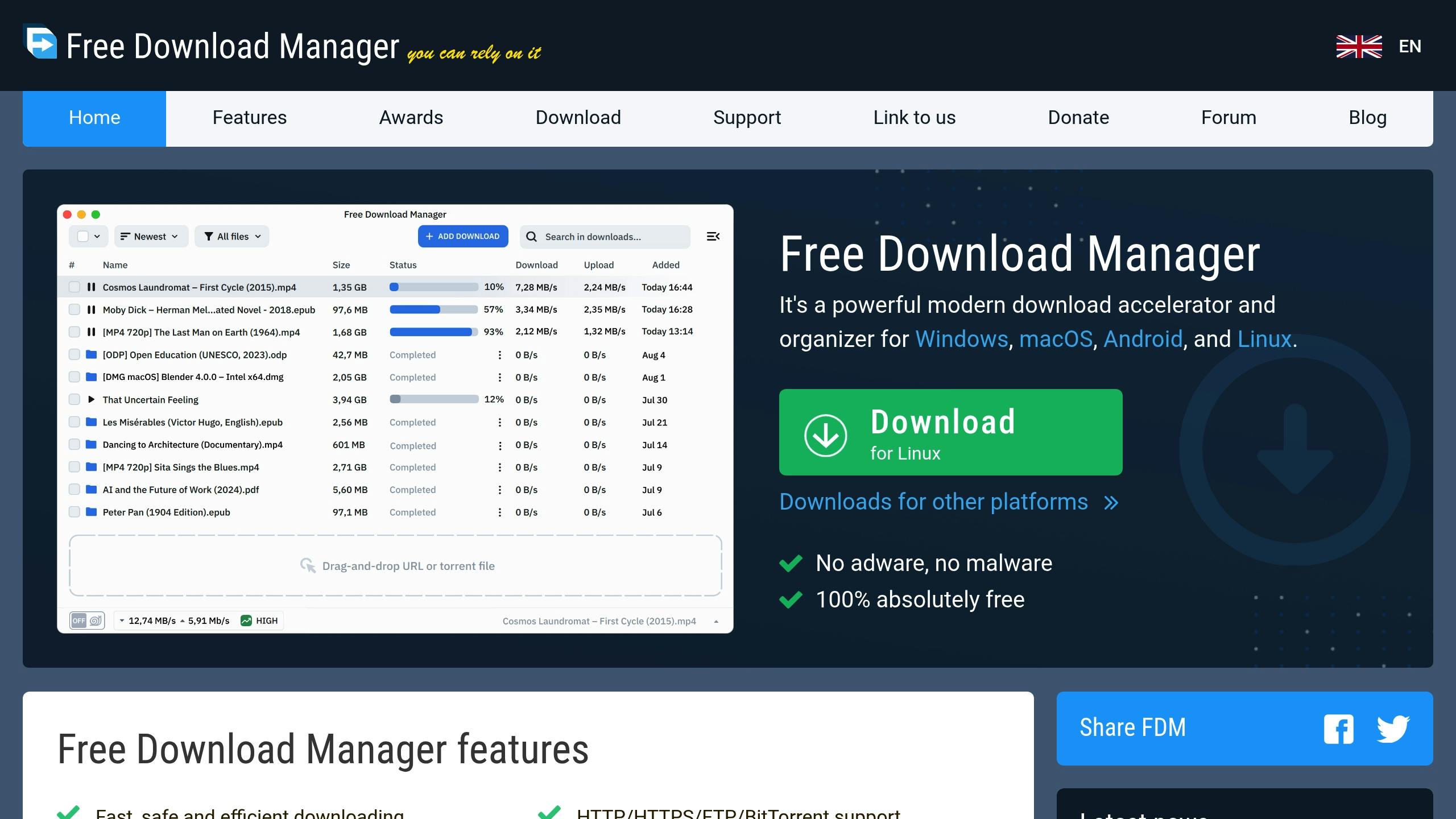
Free Download Manager, or FDM, is a free download manager for handling large files, queues, interrupted downloads, and bandwidth control. It is useful, but it is not the same thing as a dedicated YouTube playlist downloader.
Free Download Manager key features
FDM can split downloads, manage queues and resume interrupted files when the source supports it. That is useful for a large permitted file that stalls before completion. The vendor advertises speed improvements, but this review did not measure a speed advantage.
Free Download Manager pros
- Free queues and resume support suit large permitted direct downloads.
- Windows, macOS, Linux and Android versions cover more platforms than most entries here.
Free Download Manager cons
Do not assume FDM works for every video platform. Many video sites do not expose direct downloadable files in a simple way. If your goal is YouTube playlists, use a YouTube-focused tool instead.
Free Download Manager pricing
Free, according to the official site reviewed October 24, 2026. No paid license or trial expiry is advertised for the core app. Optional add-ons and individual website access are separate questions.
Who Free Download Manager is best for
Use FDM for direct file links, Linux ISOs, archives or large permitted media files. Its queue and resume controls help when a connection drops. Resume still depends on support from the source server.
Source: Free Download Manager official website, reviewed October 24, 2026. Resume depends on the source; no speed multiplier was independently tested.
7. Ninja Download Manager
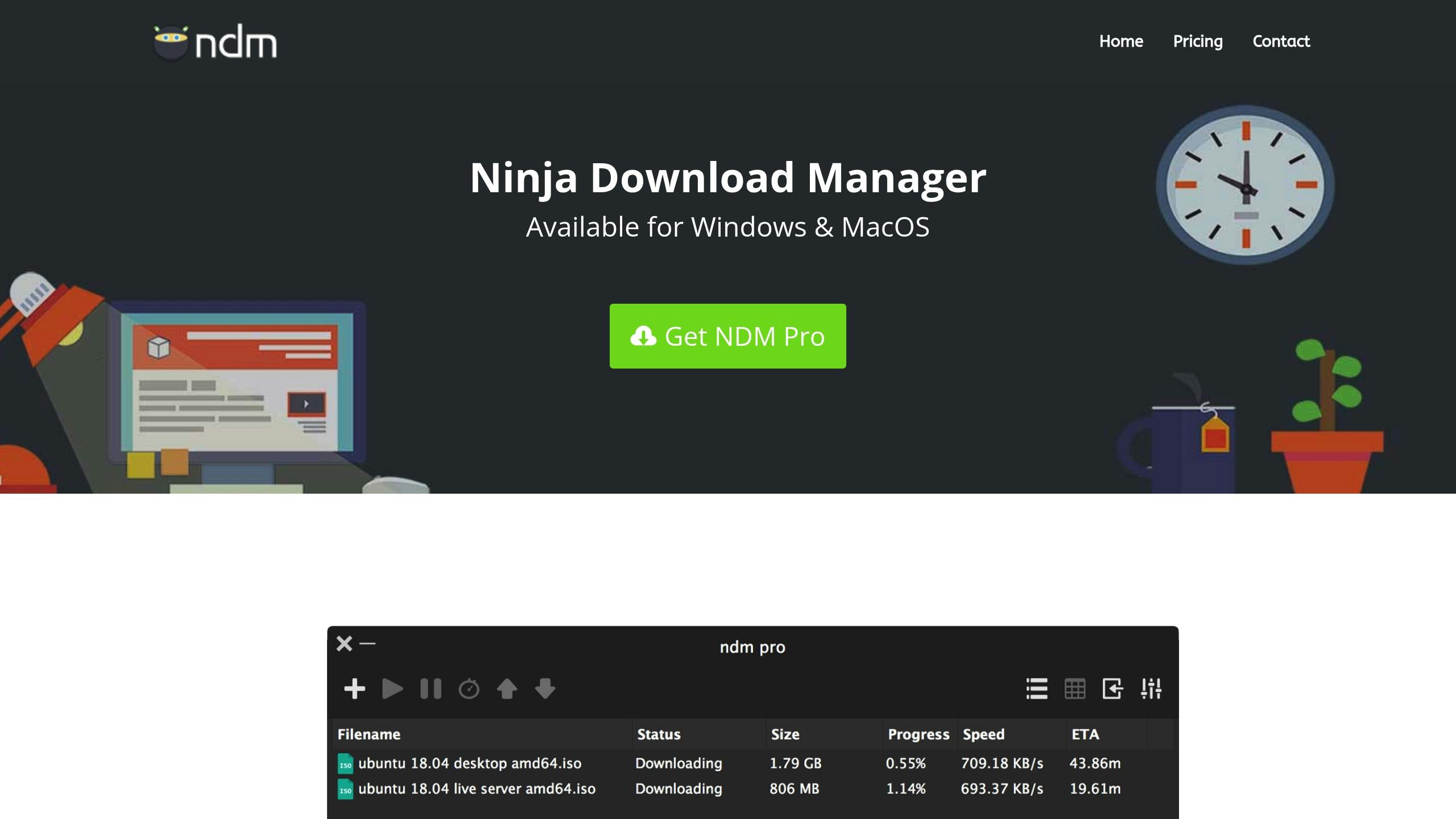
Ninja Download Manager is a free download manager for Windows and macOS with queue controls, clipboard monitoring and speed limits. It is closer to Free Download Manager than to SYC PRO: its documented strength is managing direct downloads, not sending online media to an iPhone.
Ninja Download Manager key features
Ninja documents multi-add lists, scheduled queues, clipboard monitoring and pause/resume controls. Those are download-management features. A built-in media converter was not verified in the current documentation, so this comparison does not promise one.
Ninja Download Manager pros
- Whole lists of direct downloads can be imported using multi-add.
- Per-queue schedules and speed controls keep background downloads manageable.
Ninja Download Manager cons
Verify current support before relying on it for a specific video platform. Download managers can be excellent for direct file downloads and still weak for playlist or channel downloads.
Ninja Download Manager pricing
Free, including the former Pro features, according to the official site reviewed October 24, 2026. NDM is no longer sold. The vendor says the old Activate Pro screen remains and documents how to unlock it without buying a license. The historical screenshot predates that licensing change.
Who Ninja Download Manager is best for
Use Ninja Download Manager if you want scheduled direct-link queues without buying a license. It suits lists of downloadable files and users who need per-queue limits. Choose a documented playlist tool instead when your input is a video-platform playlist URL.
Source: Ninja Download Manager official website, reviewed October 24, 2026. A current built-in media-conversion feature was not verified and is not a reason to choose it.
How to download multiple YouTube videos or a playlist
The exact buttons differ by app, but the safe workflow looks like this:
- Copy the playlist URL or collect the video URLs you have permission to save.
- Paste the playlist or URL list into your batch video downloader.
- Choose MP4 for video or MP3 for audio.
- Pick a quality level that matches your storage and device.
- Choose the destination folder or device workflow.
- Start the queue and review failed items after it finishes.
If you plan to watch on iPhone, check the device step before downloading. A local MP4 folder is not yet an iPhone library. SYC PRO documents a direct video-to-iPhone workflow from Mac; this review did not verify the same video-transfer path on Windows.
Safety and copyright checklist before batch downloading
Batch downloading makes one mistake bigger. Before you queue 100 videos, slow down for 60 seconds.
- Download only videos you own, created, have permission to save, or can download under the platform’s rules.
- Read the source platform’s terms before downloading from services like YouTube.
- Avoid online converters with fake download buttons, forced notifications, or surprise installers.
- Check browser extension permissions before installing anything.
- Keep MP4 for broad video compatibility and MP3 for audio-only use.
- Test one video before starting a large batch.
For permitted downloads, follow the YouTube Terms of Service and official offline-viewing rules. For a detailed SYC workflow, read the YouTube playlist downloader guide.
How to choose
Choose SYC PRO on Mac for permitted YouTube, SoundCloud or Vimeo downloads as MP4 or MP3 for offline iPhone use. For Windows, verify your exact destination and media type before buying.
Choose VideoProc if you want downloading plus conversion, compression, recording, and editing in one app.
Choose Free Download Manager if you mostly download large direct files and care about resume support.
Choose SnapDownloader for scheduled desktop playlists. Choose VideoHunter for supported video-link batches, but confirm your playlist source in its trial.
Also compare 4K Video Downloader+ for YouTube playlists and channels. Its official product page documents both, reviewed October 24, 2026. This is an additional comparison, not an eighth ranked entry or a tested speed benchmark.
Skip browser extensions unless you understand their permissions and limitations. Some are useful for generic page media. Many are not YouTube playlist downloaders.
FAQs
What is the best batch video downloader for YouTube playlists?
The best batch video downloader for YouTube playlists depends on your destination. Choose SYC PRO on Mac for permitted MP4 or MP3 downloads headed to an iPhone. Compare SnapDownloader for scheduled desktop queues, or 4K Video Downloader+ for documented playlist and channel downloading. Check the current plan limits before buying.
Can I download multiple YouTube videos at once?
Yes, many desktop downloaders let you paste several URLs or one playlist URL, then process the videos in a queue. Make sure you have permission to download the content and that the tool supports YouTube playlists, not only generic web media.
Are browser extension batch downloaders safe?
Some are fine, but read the permissions first. A browser extension may need access to pages you visit, and some extensions do not support YouTube at all. For repeat playlist downloads, a desktop app is usually cleaner.
Should I choose MP4 or MP3 for batch downloads?
Choose MP4 when you want video. Choose MP3 when you only need audio, such as a lecture, podcast-style video, or music track you are allowed to save. MP4 is the safer default for playback across phones, computers, and TVs.
Can I save batch-downloaded videos to iPhone?
Yes. SYC PRO documents direct transfer of supported online videos from a Mac to iPhone. Equivalent Windows video transfer was not verified here. For existing local MP4, MKV or AVI files, WALTR PRO handles the separate transfer to iPhone without iTunes.
Bottom line
Pick by input and destination: SYC PRO fits supported Mac-to-Apple-device downloads. SnapDownloader fits scheduled video queues. Free Download Manager and Ninja fit direct links. AVS handles existing local files, not a verified online playlist. Start with one permitted test file, check playback, then run the batch.

SYC PRO
Download Web Videos Like a PRO
