WWDC 2026 Updates: 10 Apple Changes That Matter

TL;DR
- Apple announced 250+ WWDC 2026 changes, but the useful ones are Siri AI, iOS 27 speed gains, macOS Golden Gate, better Apple TV media features, and new hardware limits.
- Siri AI is the headline: screen awareness, personal context, and a dedicated Siri app.
- iOS 27 makes Photos and AirDrop faster, but WALTR PRO still covers local file transfer to iPhone and iPad without iTunes.
- macOS Golden Gate drops Intel Macs and focuses on cleanup, file browsing, Messages sync, and Spotlight.
- Softorino is testing WALTR PRO, Beamer, AltTunes, SYC PRO, Folder Colorizer, and the rest of the apps against iOS 27 and macOS Golden Gate.
TL;DR: WWDC 2026 updates are not about all 250+ changes. The updates that matter are Siri AI, iOS 27 speed, macOS 27 Golden Gate, stricter compatibility, better AirDrop and AirPlay, practical Screen Time controls, and a few Apple workflow gaps that still need a real fix.
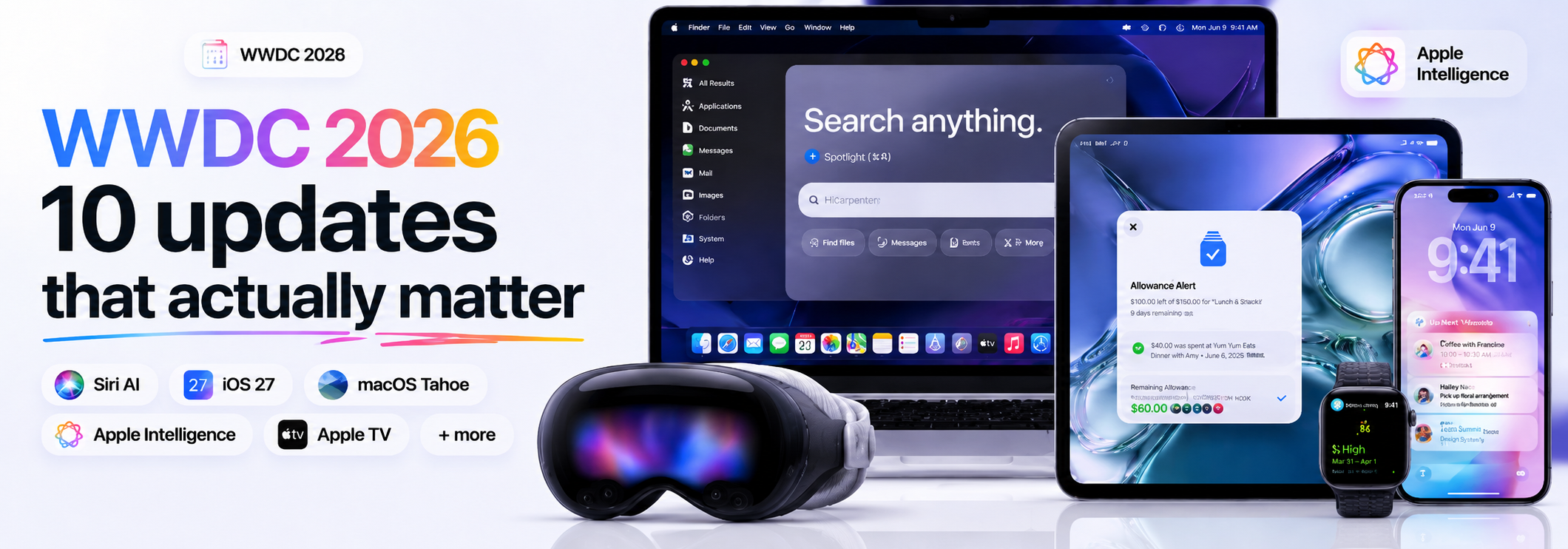
Apple announced more than 250 WWDC 2026 updates. You do not need to memorize them.
The useful story is simpler: Apple made Siri smarter, made iOS 27 and macOS 27 faster, added better family controls, and drew a harder line around older hardware. If you use an iPhone, iPad, Mac, Apple Watch, or Apple TV, these are the 10 changes worth checking before you install anything this fall.
Softorino was at Apple Park for the keynote again. We watched the demos, checked the compatibility notes, and started testing what the WWDC 2026 updates mean for WALTR PRO, Beamer 4, AltTunes, Folder Colorizer for Mac, and the rest of the Softorino apps.
WWDC 2026 updates: quick takeaways
The WWDC 2026 updates are mostly practical. Apple wants the system to feel faster, smarter, and less annoying. Good. Some parts needed it.
Biggest announcement: Siri AI gets screen awareness, personal context, and a dedicated app.
Best everyday iPhone update: iOS 27 focuses on faster Photos, faster AirDrop, and rebuilt search.
Biggest Mac change: macOS 27 Golden Gate drops Intel Macs and moves fully into Apple silicon.
Best family update: Screen Time gets stronger parent controls and easier child-account setup.
Biggest thing to check first: the best AI features and OS updates still depend on your device.
WWDC 2026 update | Why it matters | What to check before updating |
|---|---|---|
Siri AI | Apple is rebuilding Siri around screen awareness and personal context | Language, waitlist, and device support |
iOS 27 | Photos, AirDrop, and search should feel faster | iPhone compatibility and app support |
macOS 27 Golden Gate | Apple silicon Macs move forward while Intel Macs stop | Whether your Mac can install it |
Liquid Glass controls | The new design gets a useful transparency slider | Accessibility and readability settings |
AirPlay and tvOS 27 | Apple TV media workflows should get smoother | Local video formats still need a separate path |
Hardware limits | Some AI features need newer devices | Memory, chip, and model requirements |
1. Siri AI is Apple’s biggest WWDC 2026 update
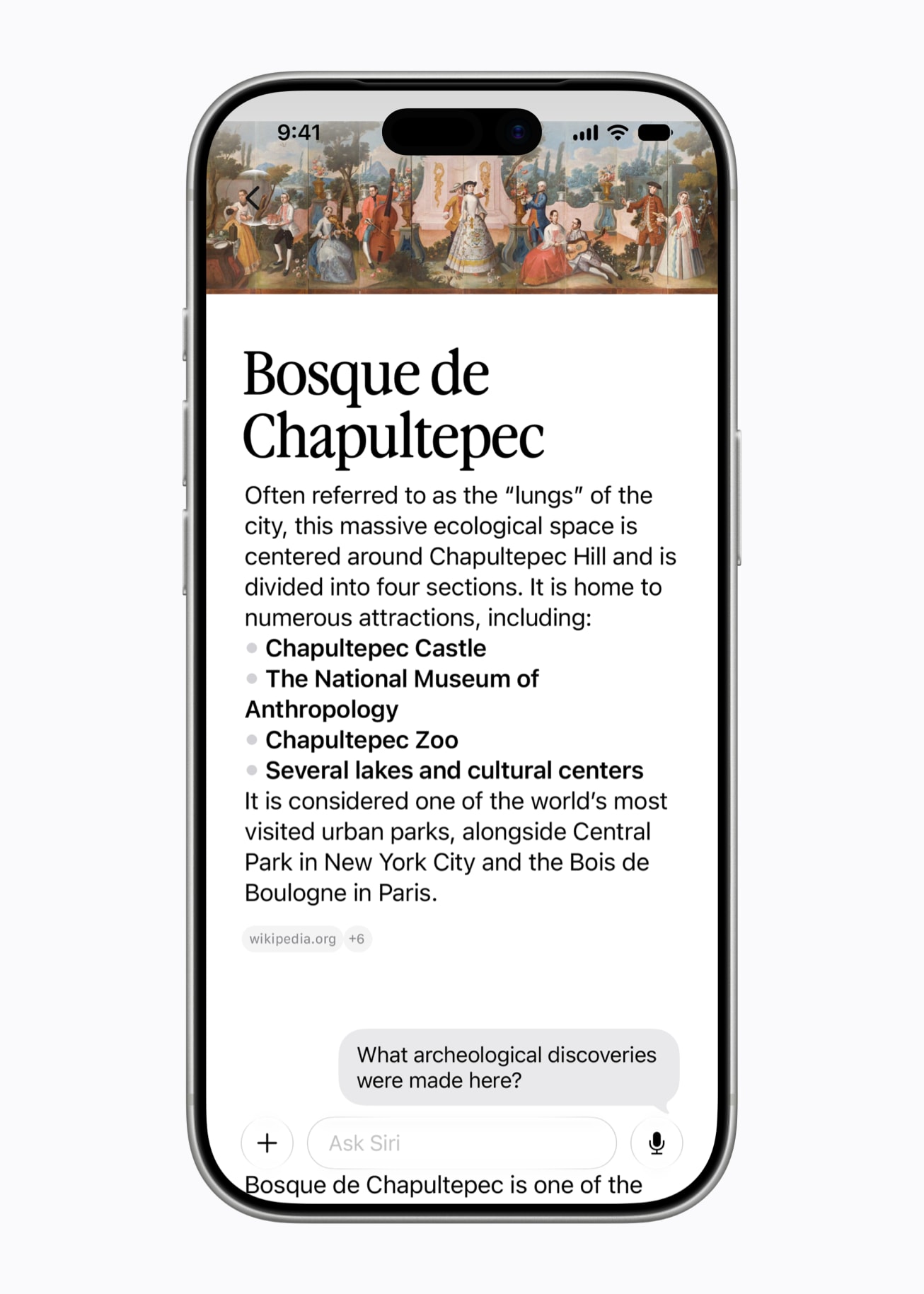
Siri AI is the headline WWDC 2026 update. Apple says the new Siri can understand what is on your screen, use personal context, and work through a dedicated Siri app across iPhone, iPad, and Mac.
That is the version of Siri people expected years ago. Apple is late. The demo still matters.
The practical parts are clear:
- Siri can answer questions based on what you are looking at.
- Siri can use context from messages, photos, calendar items, and apps.
- Siri gets its own app instead of living only as a voice overlay.
- Apple says Siri AI comes in English later this year.
- Access starts with availability limits, so do not treat it as a guaranteed day-one tool.
Apple’s Newsroom frames WWDC26 around the next generation of Apple Intelligence, Siri AI, parental controls, and broad software improvements. Apple’s iOS 27 and macOS 27 pages also say the OS updates arrive this fall, while Siri AI arrives in English later this year.
That last timing detail matters. Install the OS for the system updates. Do not install it only because you expect every Siri AI feature to appear on day one.
2. iOS 27 focuses on speed and daily fixes
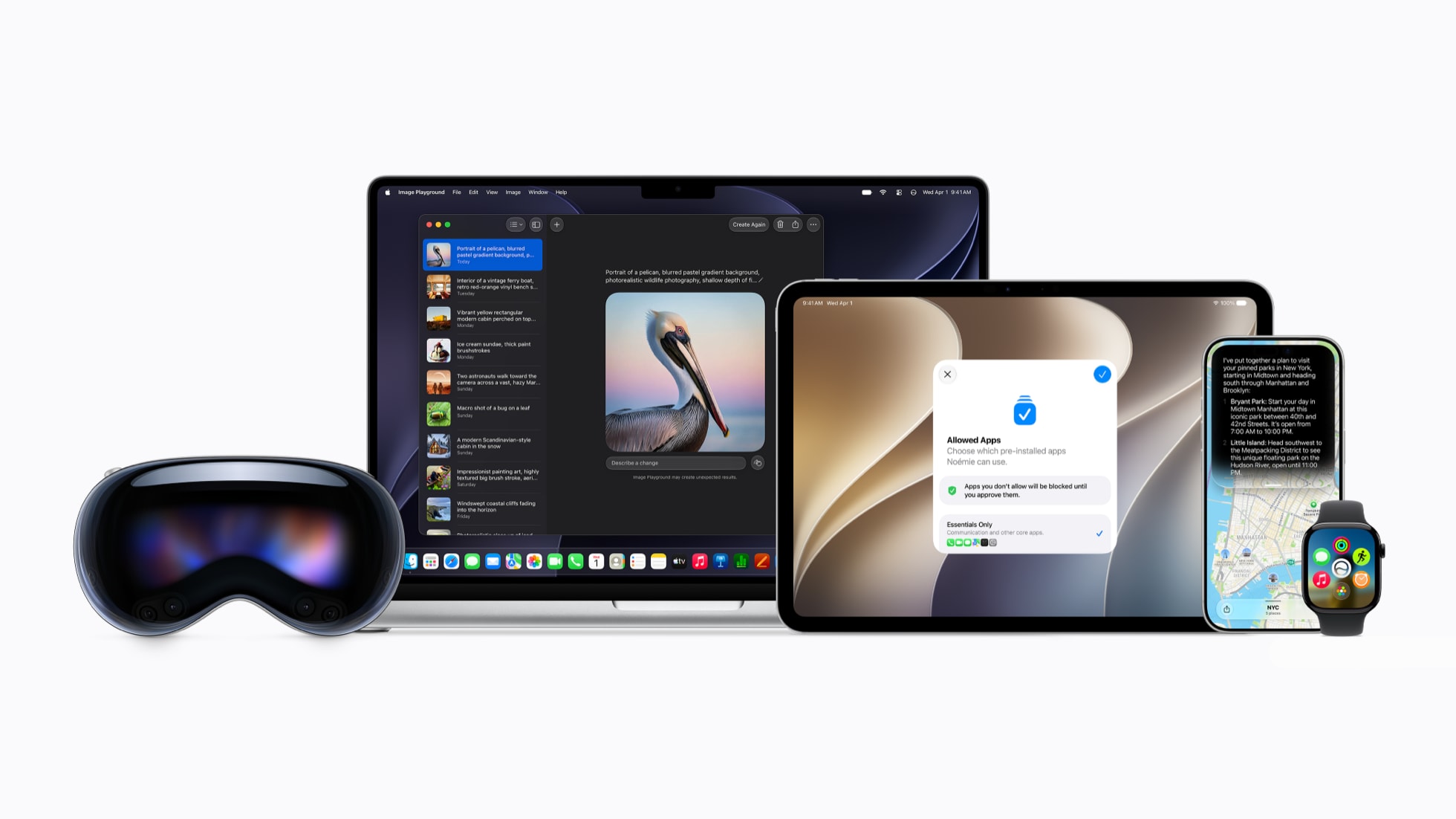
iOS 27 looks like a speed-and-polish release. Apple’s own preview calls out Siri AI, Photos, AirDrop, search, and daily-use improvements rather than a giant redesign for the sake of a giant redesign.
The original article’s best point still holds: faster AirDrop is good, but AirDrop is not a complete file-transfer system.
AirDrop helps when you move something from one Apple device to another Apple device. It does not solve the Windows PC to iPhone problem. It also does not always put music, movies, PDFs, or books in the exact app where you want them.
That is where WALTR PRO still has a job. Drag an MKV, AVI, MP4, music file, PDF, or book into WALTR PRO and send it to iPhone or iPad without iTunes sync rules. Apple can make AirDrop faster. WALTR PRO still handles the local-file mess Apple leaves behind.
3. macOS 27 Golden Gate leaves Intel Macs behind
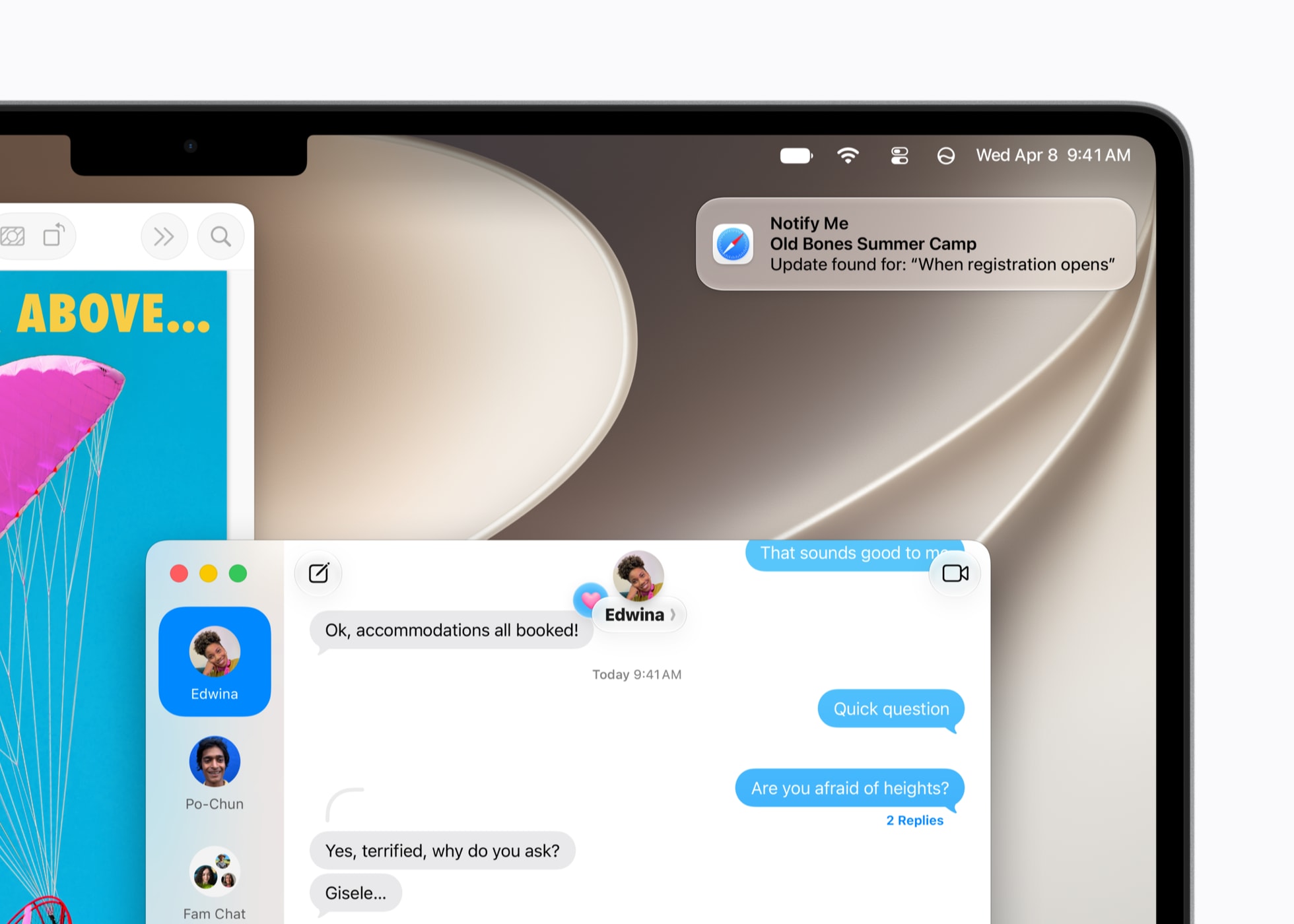
macOS 27 is called Golden Gate. The name is good. Very Apple. Very postcard.
The bigger update is the cutoff. Apple’s macOS 27 page lists Apple silicon Macs as the path forward, while competitor coverage and the Stage 2 research packet confirm the same practical conclusion: Intel Macs are out.
That is the compatibility note most Mac users should check first. A cleaner Finder, smarter Spotlight, and faster browsing do not help if your Mac cannot install the update.
Golden Gate should make macOS feel cleaner. Finder will still show a wall of similar folders if your desktop is a mess. Folder Colorizer for Mac fits that exact gap: color-code Mac folders in Finder, add emoji or labels, and make project folders easier to spot after the UI changes again.
Apple can polish the system. You still have to find the right folder before coffee.
4. Liquid Glass finally gets practical controls
Liquid Glass stays, but Apple added a transparency slider. This is one of the least flashy WWDC 2026 updates and one of the most useful.
Some users like the glassy look. Other users want text, buttons, and windows to stop fighting the background. A slider gives both groups a sane option.
This also tells you how to judge the 2026 design cycle. Apple is not reversing Liquid Glass. Apple is making it less aggressive. Check the accessibility and appearance settings after you update, especially if iOS 26 felt harder to read.
5. Passwords and Safari get useful AI
The Passwords app can now identify weak or leaked passwords and help update them. Safari gets AI tab organization and webpage monitoring, so it can group messy tabs and alert you when a page changes.
This is where AI makes sense. Quiet work. Less chaos. No birthday poem.
The real benefit is not “AI everywhere.” The benefit is fewer tiny maintenance chores. Password cleanup, tab cleanup, page-change alerts, and smarter search are the kind of WWDC 2026 updates normal users may feel more than the keynote headline.
6. Screen Time gets real parent controls
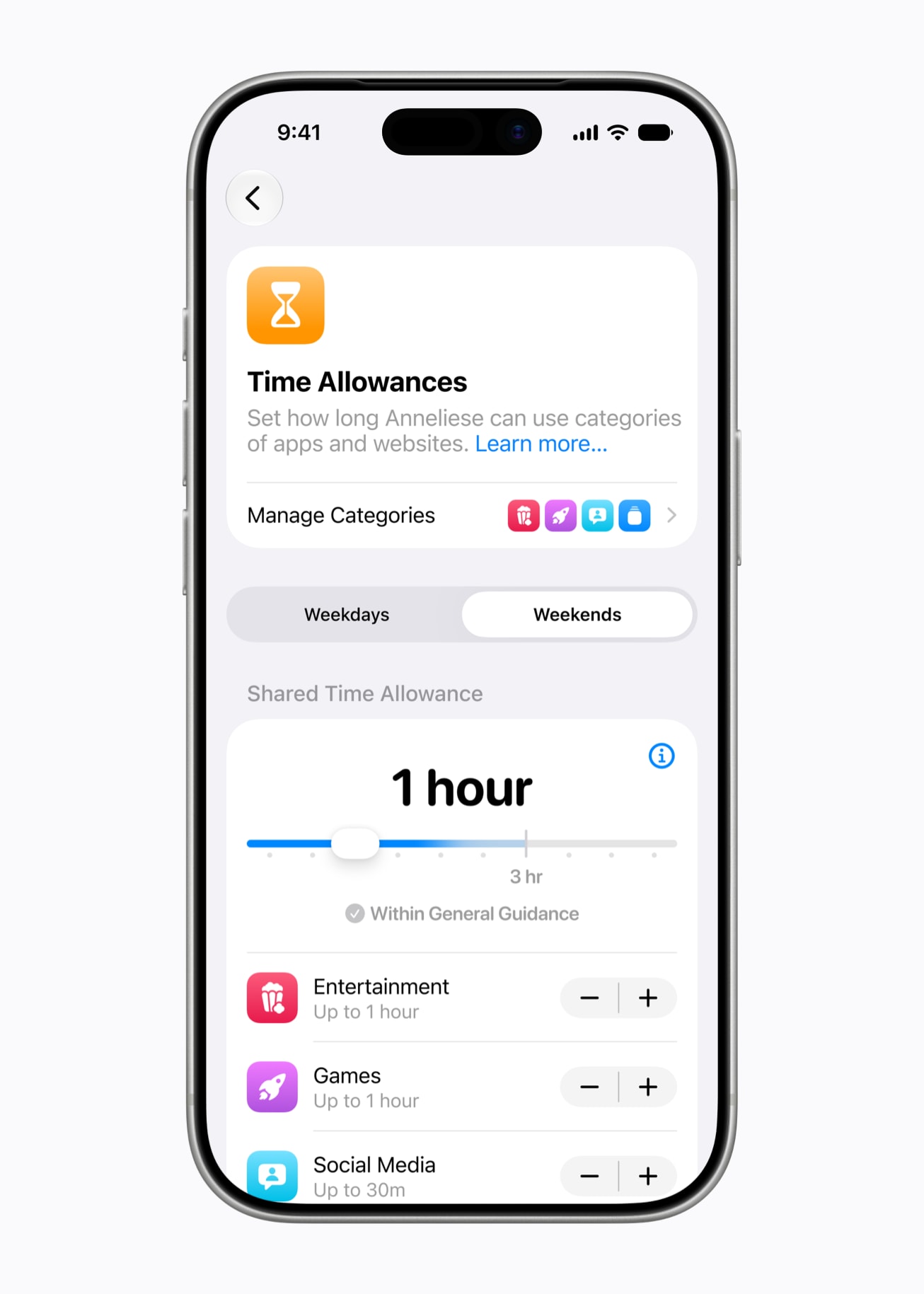
Screen Time got one of the more practical WWDC 2026 updates. Apple announced stronger parental controls, better child-account setup, and new Screen Time features around app categories and browsing requests.
If you manage a kid’s device, this may matter more than Siri AI. Parents need controls that work inside real family chaos, not another settings maze.
The useful pieces are straightforward:
- Set app limits by category instead of chasing every app one by one.
- Handle browsing requests inside Messages.
- Use a clearer child-account setup flow.
- Review Screen Time after installing the update, because old limits may not match the new controls.
Apple finally made family controls feel less like homework. That counts.
7. Device compatibility is the update to check first
Device support is the least glamorous WWDC 2026 update. It is also the one that can ruin your day.
Apple’s iOS 27 preview lists support back to iPhone 11 and iPhone SE (2nd generation and later). macOS 27 Golden Gate moves forward with Apple silicon Macs. The Stage 2 research packet also flags iPad and Apple Watch cutoffs, including watchOS 27 dropping older Watch models.
Before you install a beta or plan around a feature, check the device list first. Then check whether the specific feature works on your device. Those are two different checks now.
Older hardware is not useless just because it stops getting the newest OS. Old iPhones, iPads, and Macs can still work as travel devices, kid devices, kitchen screens, offline music players, or media machines. For Windows users, AltTunes can still help manage iPhone files, photos, messages, and backups on Windows 10 and 11. Just do not assume iOS 27 compatibility until you test it on the exact device.
8. tvOS 27 and AirPlay matter for media users
tvOS 27 brings media improvements around Apple TV, AirPlay, Apple Music, Podcasts, and HomeKit video descriptions. Faster AirPlay is the one most people will notice first.
If AirPlay connects faster and behaves better, streaming from Apple devices to Apple TV gets less annoying. Good.
That still does not solve local video formats. If you have an MKV, AVI, HEVC, H.264, H.265, subtitle file, or random movie file on a Mac, you may not want to convert it or build a Plex server just to watch it tonight.
Beamer 4 is the simple route: drag a local video file from Mac into Beamer and stream it to Apple TV or Chromecast without conversion. AirPlay improvements help the ecosystem. Beamer still helps when the file is already yours and Apple’s native path gets weird.
9. The best AI features still need new hardware
The most powerful WWDC 2026 updates are tied to newer hardware. That is now the Apple Intelligence pattern.
Apple can ship a broad OS update to many devices while keeping the best AI features on newer chips and higher-memory models. The standard OS may install. The full AI experience may not arrive.
Before buying or updating for AI, check 3 things:
- Does the OS support your exact device model?
- Does the AI feature support your chip and memory tier?
- Is the feature available in your language and region yet?
That is annoying. It is also better than pretending every iPhone with the new OS gets the same experience.
10. Tim Cook’s final WWDC marks a transition
This was Tim Cook’s final WWDC keynote as Apple CEO. End of an era. 15 years of “good morning.”
Cook’s Apple gave us Apple silicon, services growth, tighter privacy positioning, and the most disciplined hardware rollout machine in consumer tech. WWDC 2026 felt like a handoff keynote: Siri AI moved to the center, Intel Macs moved out, and Apple’s best software features became even more tied to newer hardware.
A lot changed. Quietly, but it changed.
Before we begin
Download WALTR PRO on Mac or Windows to move local music, video, books, and other supported files to an iPhone or iPad after an Apple software upgrade. WALTR PRO handles file transfer; the WWDC changes below still depend on Apple device and OS support.
Do the boring checks first. Boring checks save afternoons.
- Check Apple’s official compatibility page for your exact iPhone, iPad, Mac, Apple Watch, or Apple TV.
- Back up the device before installing a beta or major OS update.
- Check whether the feature you want is available now, later this year, or only in English.
- Check app compatibility if you rely on media transfer, backup, parental controls, accessibility, or business workflows.
- Keep your old workflow ready until the update proves stable on your device.
If you use Softorino apps for file transfer, Mac-to-TV streaming, Windows iPhone management, or folder organization, test the OS update on one device first. Do not update your only work machine and then discover your whole workflow changed.
What Apple still did not fix
The WWDC 2026 updates improve a lot. They do not erase every Apple workflow headache.
Apple made AirDrop faster. Users still need a clean way to move local files from Mac or Windows to iPhone without iTunes.
Apple improved AirPlay and tvOS. Users still need an easy way to stream local MKV, AVI, MP4, and subtitle-heavy files from Mac to Apple TV without conversion.
Apple polished macOS. Users still need visual organization when Finder shows dozens of identical folders.
Apple improved the ecosystem. Windows users with iPhones still need a better way to export photos, messages, files, and backups than wrestling with iTunes for Windows.
That is the Softorino angle. We do not need Apple to be bad. We build around the parts Apple leaves awkward.
Which Softorino apps are affected by WWDC 2026 updates
This article is not a product page. Still, WWDC changes touch the exact workflows Softorino builds for.
Softorino app | WWDC 2026 connection | Safe next step |
|---|---|---|
WALTR PRO | iOS 27 and AirDrop affect how people think about iPhone transfers | Use WALTR PRO for local files that need to land on iPhone or iPad without iTunes |
Beamer 4 | tvOS 27 and AirPlay improvements affect Mac-to-TV video workflows | Use Beamer for local MKV, AVI, MP4, subtitle, and Chromecast/Apple TV streaming |
Folder Colorizer for Mac | macOS Golden Gate changes the UI, but Finder folders still need visual sorting | Use Folder Colorizer to make folders recognizable in Finder |
AltTunes | Windows+iPhone management remains outside Apple’s happy path | Use AltTunes for Windows iPhone backup and export workflows, then verify iOS 27 support on your device |
SYC PRO | Offline media still matters for travel and no-Wi-Fi situations | Use Softorino YouTube Converter PRO only for supported sources and lawful downloads |
The best product mention here is restraint. If Apple solved a job, use Apple’s tool. If Apple left the same old gap, use the Softorino app built for that gap.
WWDC 2026 FAQ
What was announced at WWDC 2026?
Apple announced Siri AI, iOS 27, macOS 27 Golden Gate, iPadOS 27, watchOS 27, tvOS 27, new parental controls, Liquid Glass controls, Safari and Passwords AI features, and broad performance updates across Apple platforms.
What are the Apple WWDC 2026 updates that matter most?
The WWDC 2026 updates that matter most are Siri AI, iOS 27 speed improvements, macOS 27 Golden Gate, stronger Screen Time controls, faster AirDrop and AirPlay, device compatibility changes, and hardware limits for the best AI features.
Has WWDC 2026 ended?
Yes. Apple’s WWDC26 developer page now points to recaps, more than 100 sessions, platform updates, Xcode 27 beta, and “what’s new” resources. Use Apple Developer for session-level details after the keynote.
Which iPhones support iOS 27?
Apple’s iOS 27 preview lists iPhone 11 and newer, plus iPhone SE (2nd generation and later). Always check Apple’s official compatibility list before installing a beta or planning around a specific feature.
Which Macs support macOS 27 Golden Gate?
macOS 27 Golden Gate moves forward with Apple silicon Macs. Intel Macs are not the target for this release, so Mac users should check Apple’s current macOS 27 compatibility list before updating.
Do all devices get the same Siri AI features?
No. Apple’s OS updates can support more devices than the newest AI features support. Check device model, chip, memory tier, language, and region before assuming a Siri AI feature will work on your iPhone, iPad, or Mac.
What do WWDC 2026 updates mean for Softorino users?
Softorino users should watch iOS 27 file-transfer behavior, macOS 27 Finder changes, tvOS 27 AirPlay improvements, and device compatibility. WALTR PRO, Beamer 4, AltTunes, Folder Colorizer for Mac, and SYC PRO remain useful where Apple still leaves local files, media, Windows+iPhone management, and visual organization awkward.
Final thought
WWDC 2026 was not only “Apple adds AI.” It was Apple tightening the whole stack.
Siri got the biggest headline. iOS 27 and macOS 27 got the practical fixes. Older hardware took the hit. Apple TV got better media support. Tim Cook gave his final WWDC keynote.
Update when it makes sense. Check compatibility first. Do not assume every shiny feature will land on your device.
Softorino will keep testing these updates against the workflows Apple users care about: moving files, streaming local video, managing iPhones from Windows, keeping old devices useful, and finding the right folder before the caffeine wears off.
Somebody has to read the fine print.

WALTR PRO
Convert & Push Any File into Any Apple Device
