iMazing Alternative for Windows: AltTunes vs iMazing


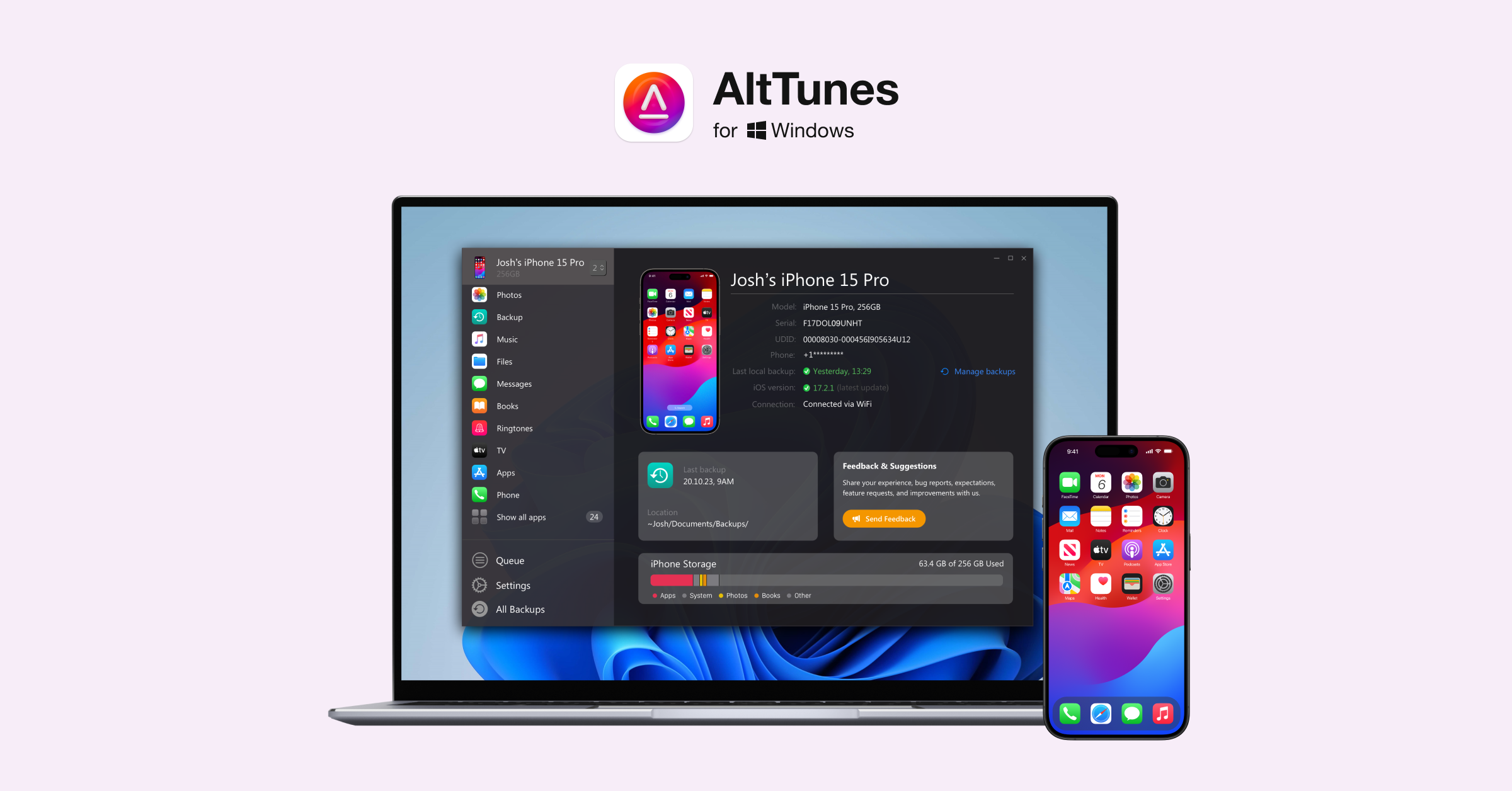
Looking for an iMazing alternative on Windows? Start with the job, not the feature list. AltTunes is the better fit if you want to export iPhone photos, messages, music, contacts, files, and backups to a PC without wrestling with iTunes or iCloud. iMazing is better if you need deeper backup extraction, admin tools, or broad device control.
That is the honest split. iMazing is powerful, but power can turn into clutter when all you need is your own iPhone data on your Windows computer. AltTunes works as an iMazing alternative for Windows by focusing on everyday export and backup tasks.
Best iMazing alternative for Windows: quick verdict
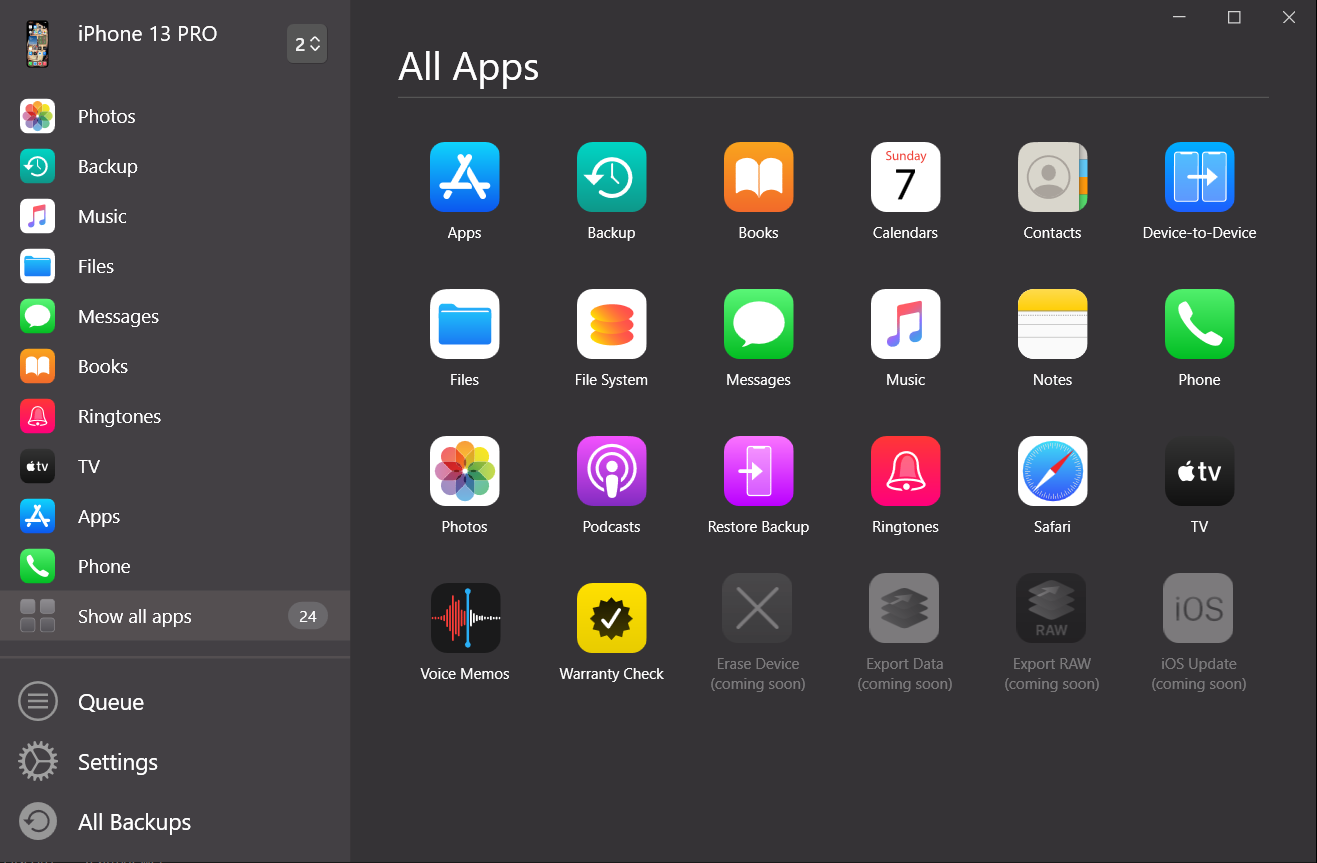
AltTunes is the simpler iMazing alternative for Windows users who want local iPhone exports and backups. It is built for common PC jobs: moving photos and videos, saving messages, exporting contacts, handling music, browsing files, and keeping backups on your own storage.
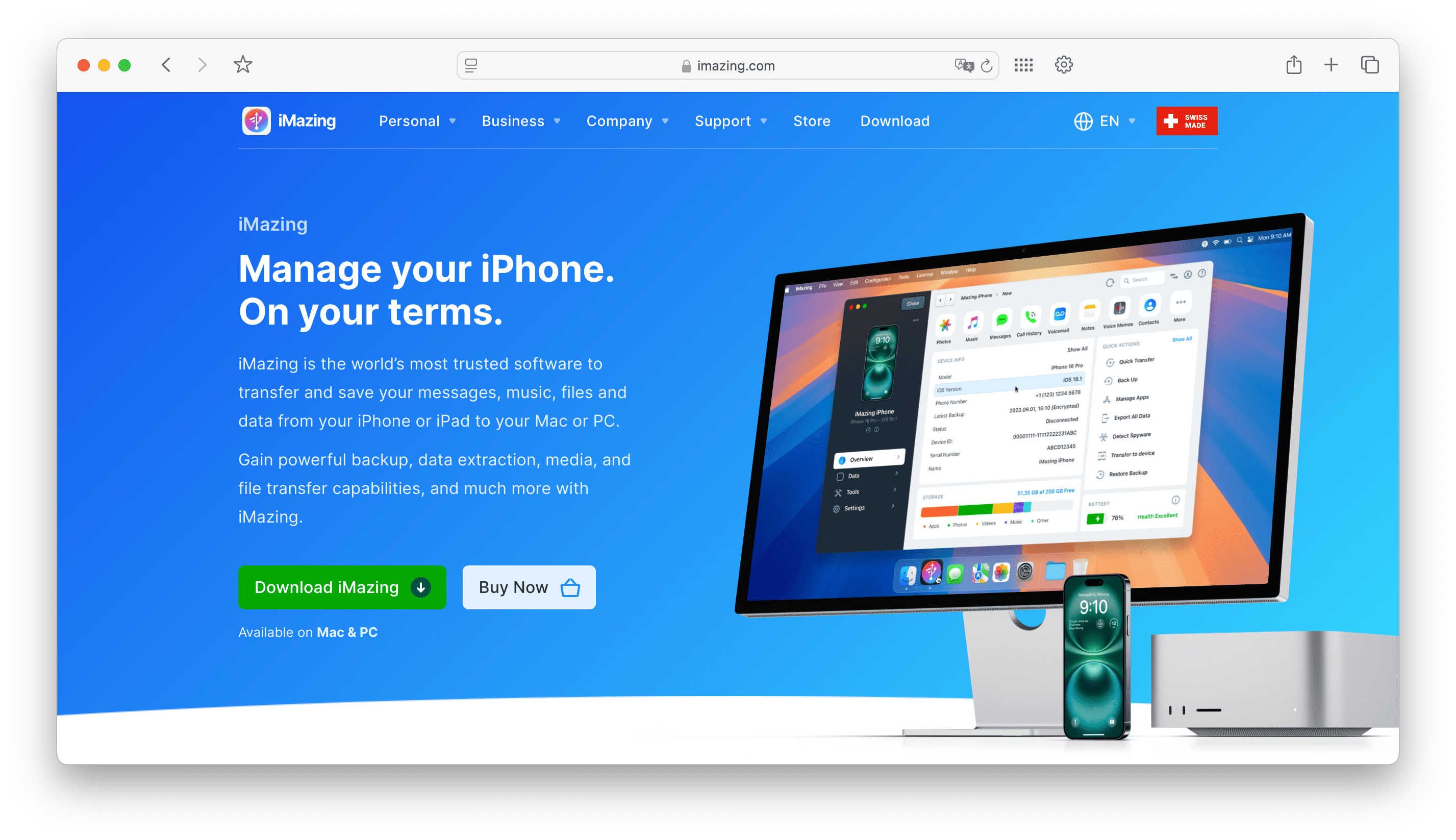
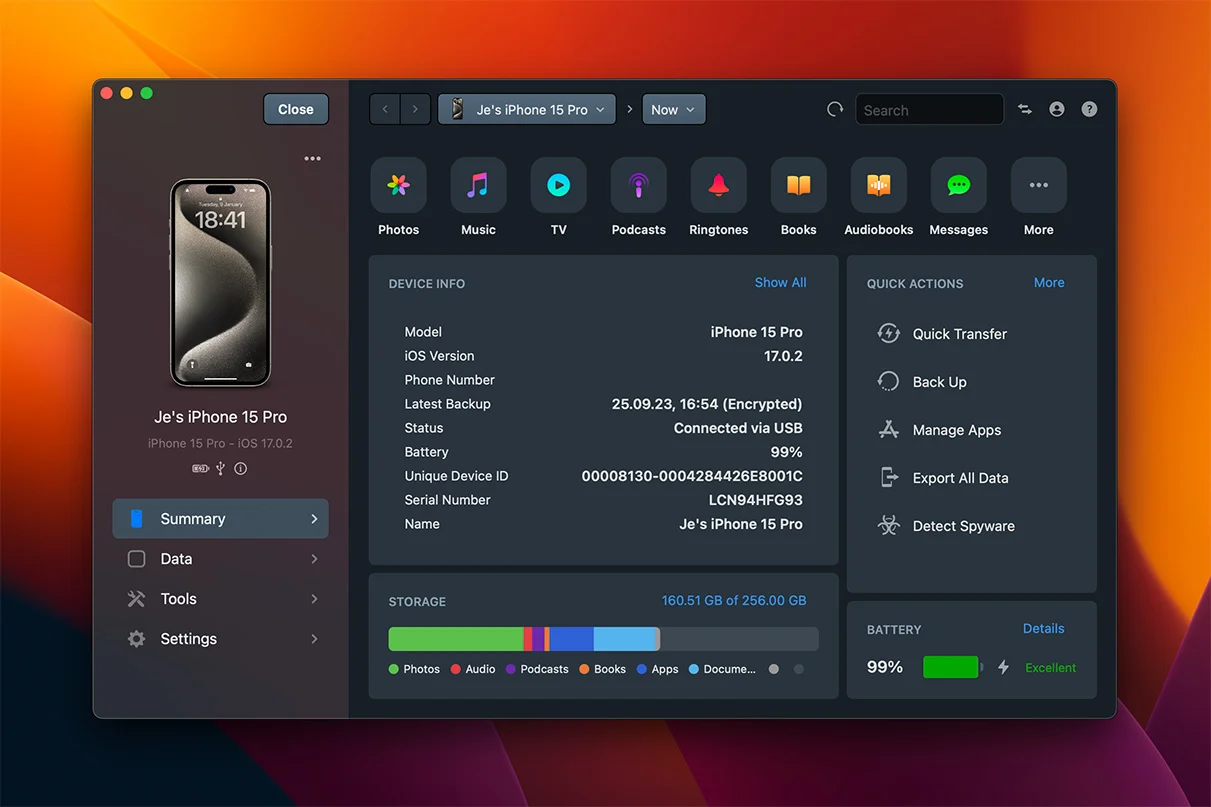
Pick iMazing if you want a heavier toolkit. It has a broader feature set for backup browsing, device supervision, forensic-style checks, app data, and advanced iOS management. Those features matter for IT teams and power users. They are noise for someone trying to get vacation photos or message threads onto a PC.
Question | Short answer | Best fit |
|---|---|---|
Best everyday iMazing alternative for Windows? | AltTunes focuses on Windows iPhone exports, files, messages, photos, and backups. | AltTunes |
Best for advanced backup extraction? | iMazing has deeper backup and device-management controls. | iMazing |
Best for avoiding iTunes on Windows? | AltTunes keeps the workflow on your PC without iTunes sync. | AltTunes |
Best for business or admin workflows? | iMazing offers broader tools for advanced users and device management. | iMazing |
Best for simple photo/message export? | AltTunes keeps those jobs direct and easier to understand. | AltTunes |
Use that table as the decision filter. Do not pay for a cockpit when you need a steering wheel.
Before we begin
Windows users can download AltTunes to back up an iPhone and export photos, music, messages, contacts, and files to a PC. Compare that Windows-focused workflow with iMazing’s broader Mac and Windows device-management tools before choosing.
AltTunes vs iMazing: which one should you choose?
Task | AltTunes | iMazing |
|---|---|---|
Windows fit | Windows-only, built around PC export and backup jobs. | Runs on Mac and PC, with a broader interface. |
Photos and videos | Good fit for moving iPhone media to a Windows folder. | Good fit, especially if tied to deeper device management. |
Messages | Supports saving iMessages, SMS, and WhatsApp threads with dates, media, and PDF export. | Strong message export and backup browsing features. |
Music and files | Good fit for exporting iPhone data and files to PC. | Broader file and data tools, with more menus. |
Backups | Built for local iPhone backup to your own storage. | Better for advanced backup browsing and extraction. |
Learning curve | Cleaner fit for everyday Windows users. | Better for users who want more control and accept complexity. |
Best user | Someone who wants iPhone data on a PC without iTunes. | Power user, IT user, or anyone who needs advanced iOS control. |
This is why a fair AltTunes vs iMazing comparison cannot end with a feature count. iMazing has more depth. AltTunes has less friction. For a Windows user trying to save photos, messages, contacts, music, files, or a backup, less friction often wins.
How to use AltTunes to manage your iPhone on Windows
AltTunes keeps the workflow close to how Windows users expect files to work. Connect the iPhone, choose the type of data you need, and save it to your PC or external drive. No iTunes sync ritual. No iCloud storage puzzle.
- Download AltTunes from Softorino and install it on your Windows PC.
- Connect your iPhone or iPad with a USB cable and trust the computer if iOS asks.
- Choose what you need to export, such as photos, messages, music, contacts, videos, files, or a backup.
- Pick a local destination on your PC or external drive.
- Save the data so you can browse it from Windows instead of digging through Apple tools.
Apple documents official ways to transfer photos and videos from iPhone to a Windows PC, and it also explains how iPhone backups work. Those official routes are useful. AltTunes exists because many Windows users want a more direct iPhone manager for everyday export jobs.
Where AltTunes is simpler for everyday iPhone management
AltTunes is not trying to be a full iOS control center. That is the point. It focuses on the tasks Windows users usually search for when iTunes gets in the way.
- Photos and videos: move iPhone media to a PC folder without relying on iCloud Photos.
- Messages: save iMessages, SMS, and WhatsApp threads with dates, media, and PDF export when you need records.
- Music: work with iPhone music from a Windows computer without opening iTunes.
- Contacts: export contacts when you need a local copy or a cleaner way to move data.
- Files and app data: access supported iPhone file categories from a PC instead of hunting through Apple sync screens.
- Backups: keep iPhone data on your own storage instead of treating the cloud as the only answer.
That makes AltTunes a practical iMazing alternative for people who know the task they need to finish. If you are backing up a phone before repair, saving message proof, clearing photos before a trip, or copying data to an external drive, you do not need a maze of advanced controls.
Fair verdict: AltTunes is not “more powerful” than iMazing. It is more focused for everyday Windows iPhone management.
Where iMazing still makes sense
iMazing still deserves a place in the comparison. It is a serious iPhone and iPad manager for users who need depth. If you work with multiple devices, encrypted backups, backup extraction, device supervision, security checks, or advanced app data, iMazing may be the better tool.
The same depth can slow down a normal user. More categories mean more menus, more prompts, and more decisions. That is not a flaw if your job needs control. It is overkill if your goal is “save these photos to my PC before I delete them from my phone.”
- iMazing fits advanced backup extraction or backup browsing.
- iMazing fits multi-device management and admin-style iOS tools.
- iMazing fits deeper device-data control when you accept a heavier interface.
- AltTunes fits simpler iPhone export and backup jobs on Windows.
How to back up iPhone to PC without iTunes
You can back up iPhone to PC without iTunes by using AltTunes as the local Windows manager. The exact screen names can change over time, so keep the workflow simple: connect the device, choose backup or the data category you care about, and save it to your PC or external drive.
- Install AltTunes on your Windows PC.
- Connect your iPhone with a cable and unlock the phone.
- Choose the backup or export area for the data you need.
- Select a destination folder on your PC or external drive.
- Run the backup or export and keep the folder somewhere you can find later.
This workflow is useful when you do not want iCloud to be the middleman. It is also useful before switching phones, sending a device for repair, cleaning up iPhone storage, or keeping message records outside the phone.
Photos, messages, music, and files: which app fits each job?
The best iMazing alternative depends on the data type. A tool can be excellent for backups and still be too much for photos. A simpler app can be perfect for Windows exports and still not replace advanced backup extraction.
Job | Use AltTunes when... | Use iMazing when... |
|---|---|---|
Transfer photos from iPhone to PC | You want local folders and a direct Windows workflow. | You also need deeper library or backup tools. |
Export messages | You need threads, dates, media, or PDF records on your PC. | You want advanced browsing across backups and device data. |
Save contacts | You need a practical local export. | You are managing several device datasets. |
Handle music or files | You want a Windows iPhone manager without iTunes sync. | You want broader file-system and device controls. |
Create backups | You want local backup storage you control. | You need advanced backup extraction and restore workflows. |
For most Windows users reading this comparison, AltTunes is the cleaner answer. iMazing is the bigger app. Bigger helps when your task is big. Bigger gets annoying when your task is small.
Pricing and compatibility: check the current product pages
Do not make the decision from old pricing screenshots or stale compatibility claims. Both products can change plans, supported versions, and feature packaging. Check the current product pages before buying, especially if you need a specific iOS version, Windows version, or business feature.
Softorino’s product context confirms AltTunes is built for Windows 10 and 11 users and covers common iPhone export categories. The safer buying question is still use-case fit: will you use advanced iMazing controls, or do you need a cleaner Windows iPhone manager?
Final verdict: the simpler iMazing alternative for Windows
AltTunes is the better iMazing alternative for Windows users who want their iPhone data on a PC without iTunes. It keeps the focus on photos, videos, messages, contacts, music, files, and local backups. That is what most people wanted before they started comparing iPhone managers.
iMazing is still the better pick for advanced backup extraction, business workflows, device supervision, and power-user control. If that is your world, use the bigger tool.
If you are a Windows user who wants a direct path out of the iTunes mess, download AltTunes and try the iPhone file manager for Windows. If you use more than one Softorino utility, the Softorino Universal License can cover the core apps under one subscription.
FAQ
What is the best iMazing alternative for Windows?
AltTunes is the best iMazing alternative for Windows users who want simpler iPhone exports, backups, photos, messages, music, contacts, and files on a PC. iMazing is better for advanced backup extraction and device-management workflows.
Is AltTunes better than iMazing?
AltTunes is better for everyday Windows iPhone management when you want less complexity. iMazing is better if you need deeper control, broader backup tools, or business/admin features.
Can AltTunes export iPhone messages to a PC?
Yes. AltTunes product copy says it can save iMessages, SMS, and WhatsApp threads with dates, media, and PDF export. Use it when you need message records stored locally on your Windows computer.
Can I transfer photos from iPhone to PC without iCloud?
Yes. AltTunes lets Windows users move iPhone photos and videos to local PC storage without relying on iCloud Photos. Apple also offers official import routes, but AltTunes gives you a focused iPhone-manager workflow.
Does AltTunes replace iTunes on Windows?
AltTunes can replace iTunes for many export, backup, photo, message, contact, music, and file-management tasks on Windows. It is not a clone of iTunes, and it is not meant for Apple Music subscription management.
Should Mac users use AltTunes?
No. AltTunes is a Windows product. Mac users comparing iPhone managers should look at tools made for macOS, while Windows users should treat AltTunes as the Softorino fit for local iPhone export and backup jobs.

AltTunes
Seamlessly Browse, Manage & Export iOS Data
