AltTunes vs ISL Light: Best iPhone Manager for Windows?


If you need remote support, ISL Light makes sense. If you need an iPhone manager for Windows that can export photos, messages, music, contacts, files, videos, and backups to your PC, AltTunes is the better fit.
That is the real comparison. ISL Light helps technicians view screens and troubleshoot devices remotely. AltTunes is built for Windows users who want their own iPhone data on their computer without turning iTunes, iCloud, or a remote session into the middleman.
AltTunes vs ISL Light: quick verdict for Windows users
AltTunes wins for iPhone file management on Windows. ISL Light wins when the job is remote IT support, screen access, or helping someone troubleshoot a device from another location.
Do not choose between them by counting features. Start with the job you need to finish. A remote support app and an iPhone manager solve different problems.
Job | ISL Light | AltTunes |
|---|---|---|
View or troubleshoot a device remotely | Good fit for remote support sessions. | Not the point of the product. |
Export iPhone photos to a Windows PC | Not built for iPhone photo-library export. | Good fit for saving photos and videos locally. |
Save iPhone messages to Windows | Not built for message export. | Supports iMessages, SMS, and WhatsApp thread export on supported data. |
Manage music, files, contacts, and backups | Solves a different support workflow. | Built for common iPhone data categories on Windows. |
Replace iTunes for everyday export jobs | No. It is not an iTunes alternative. | Yes, for many local export and backup workflows. |
Best user | IT support teams and technicians. | Windows users who want iPhone data on a PC. |
Use that table as the filter. If your problem starts with “I need to see someone’s screen,” look at ISL Light. If your problem starts with “I need these iPhone files on my PC,” use an iPhone manager for Windows.
Before we begin
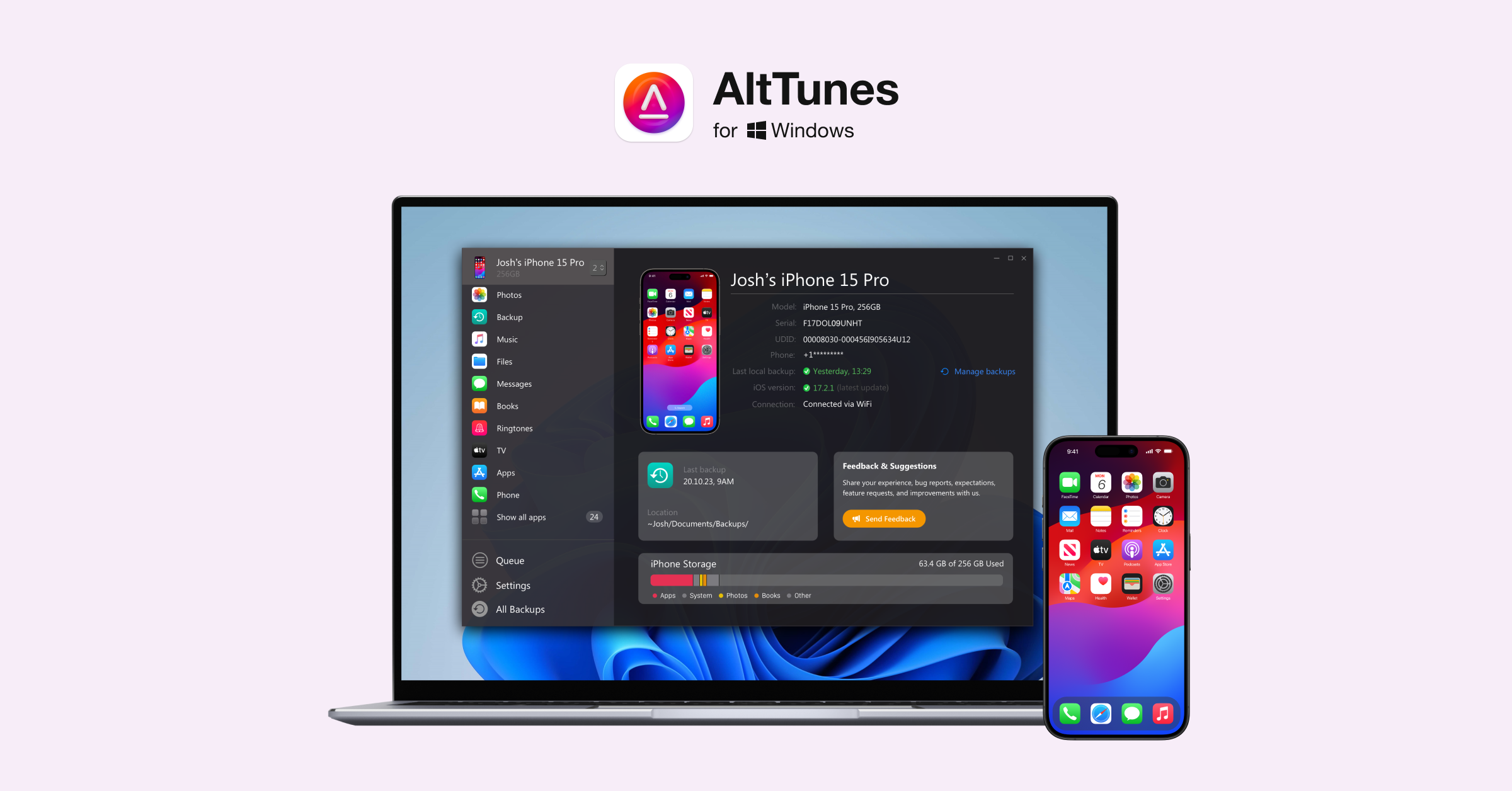
Windows users can download AltTunes to export and manage iPhone photos, music, messages, contacts, and files on a PC. AltTunes handles local iPhone data rather than remote support, so use ISL Light only when controlling another device is the actual job.
ISL Light is remote support software, not an iPhone manager
ISL Light belongs in the remote support category. Its own positioning centers on remote desktop, remote support sessions, remote access, and technician workflows. That is useful software, but it is not the same job as exporting your iPhone library to a Windows folder.
What AltTunes can export from iPhone to Windows

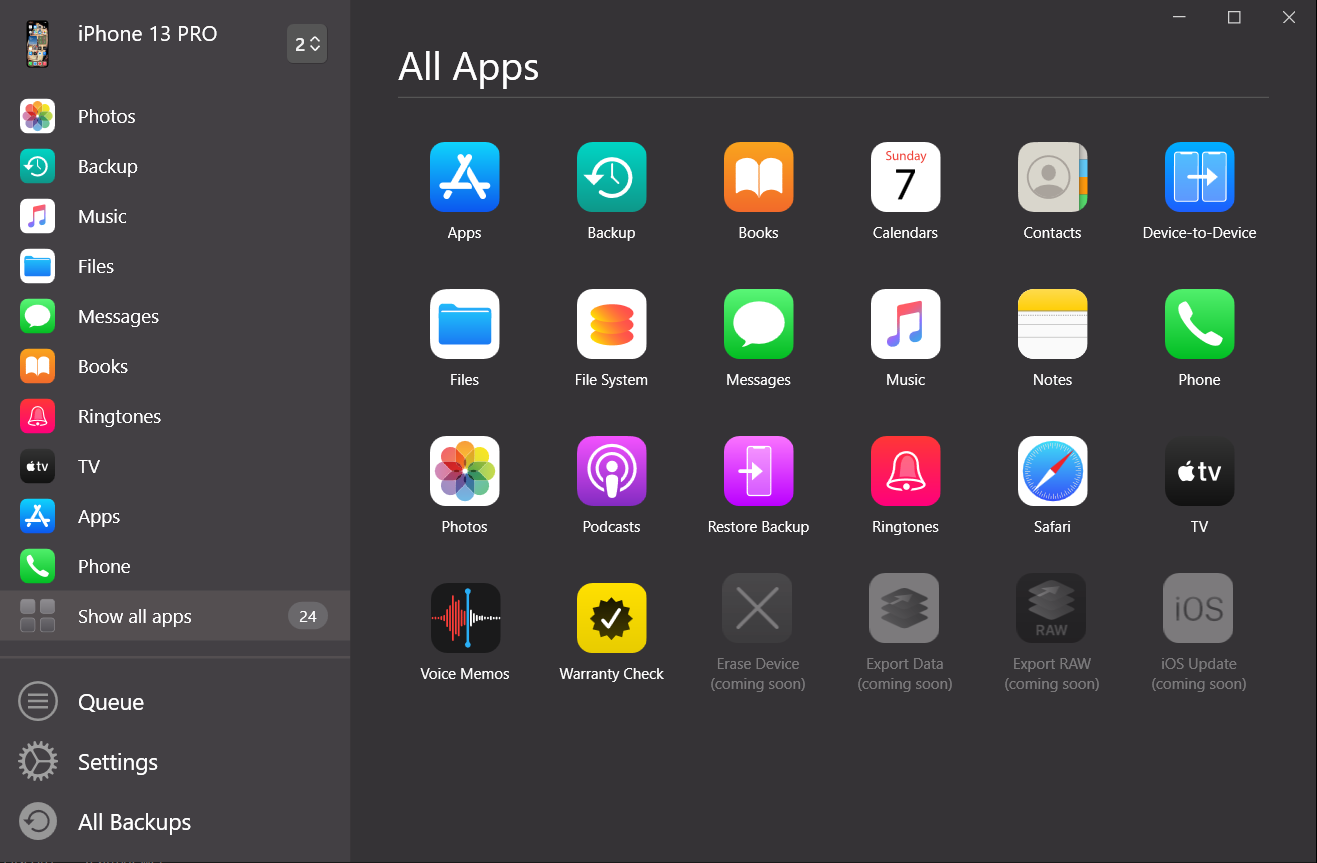
AltTunes is a Windows iPhone manager for local export and backup jobs. It focuses on the data categories Windows users ask for when Apple’s tools feel like a maze.
- Photos and videos: save iPhone media to a PC folder so you can back up, edit, or move it to external storage.
- Messages: export iMessages, SMS, and WhatsApp threads with dates, media, and PDF export when supported.
- Music: manage iPhone music from Windows without opening iTunes for every small job.
- Contacts and call history: keep useful records on your PC when you need a local copy.
- Files, notes, books, and app data: browse supported iPhone data categories from a Windows computer.
- Backups: keep iPhone data on your own storage instead of treating iCloud as the only place your data can live.
How to transfer iPhone photos and files to PC without iTunes
The AltTunes workflow is simple because it follows the Windows mental model: connect the device, choose the data type, and save the files where you want them.
- Install AltTunes on your Windows PC.
- Connect your iPhone or iPad with a USB cable.
- Unlock the device and trust the computer if iOS asks.
- Choose the data type you want to export, such as photos, messages, music, contacts, files, videos, or a backup.
- Pick a destination folder on your PC or external drive.
- Export the data and keep it somewhere you can find later.

This is the point where ISL Light and AltTunes split completely. A remote support session can help someone see what is happening on a screen. It does not give a normal Windows user the local iPhone export workflow they came looking for.
Apple also documents official ways to transfer photos and videos from iPhone to a Windows PC and back up an iPhone. Those routes are useful. AltTunes exists for users who want a more direct Windows iPhone manager instead of another Apple sync puzzle.
When ISL Light still makes sense
ISL Light is not a bad choice. It is a bad choice for the wrong job. Use it when remote support is the actual need.
- You support customers, employees, or family members remotely.
- You need to view a screen during troubleshooting.
- You run IT sessions where remote access, permissions, and support controls matter.
- You need a business support tool, not a personal iPhone file manager.
That category matters. If someone cannot find a setting, troubleshoot a device, or explain what they see, remote support can help. If you want your iPhone photos, messages, contacts, music, files, or backups saved on a Windows PC, you need a file-management product instead.
Why not just use Apple Devices, iTunes, or iCloud on Windows?
Apple Devices is the official Windows path for Apple device management. iTunes still appears in some Windows workflows. iCloud can sync photos and files. All 3 can help in specific cases.
The frustration is control. Windows users often want a local export, a real folder, or a backup they can store on an external drive. Apple’s tools tend to push users into sync rules, cloud storage, device-pairing steps, or app-specific file handling.
AltTunes is the better fit when the goal is practical: save this photo library, export these messages, copy these files, keep this backup. You are not trying to run a remote support session. You are trying to get your data out of your phone and onto your PC.
Best iPhone manager for Windows: where AltTunes fits
The best iPhone manager for Windows depends on how much control you need. iMazing, Syncios, iExplorer, Apple Devices, and other tools all sit in this category. Some give power users deeper backup browsing or broader device controls. Some focus on one transfer path.
AltTunes fits the everyday Windows user who wants fewer menus and a cleaner answer to the common jobs: photos, messages, music, contacts, files, videos, and backups. It is not trying to replace every admin tool. It is trying to make iPhone data export less annoying.
That is why the AltTunes vs ISL Light comparison should not pretend both apps compete in the same category. ISL Light competes with remote support tools. AltTunes competes with Windows iPhone managers and iTunes alternatives.
If you are comparing export tools, the related Softorino guides on AltTunes vs iMazing, AltTunes vs CopyTrans, and AltTunes vs Apple Devices help you sort the iPhone-manager category without mixing it up with remote support software.
AltTunes vs ISL Light: which iPhone manager for Windows should you choose?
Choose ISL Light if your real task is remote support. Choose AltTunes if your real task is iPhone management on Windows.
Situation | Better choice | Why |
|---|---|---|
You need to help someone troubleshoot remotely | ISL Light | Remote support is the core job. |
You need to export photos from iPhone to PC | AltTunes | It is built for local iPhone data export. |
You need to save messages on Windows | AltTunes | Message export is part of the verified AltTunes data scope. |
You need business remote access controls | ISL Light | That is its category. |
You want an iTunes alternative for Windows | AltTunes | It focuses on direct PC export and backup tasks. |
You want to manage iPhone backups locally | AltTunes | It supports local iPhone backup workflows. |
For most people reading this article, the answer is AltTunes. You probably did not search for remote support software because you wanted to run a help desk. You searched because your iPhone data is trapped behind Apple’s Windows workflow.
Final verdict: AltTunes is the better iPhone manager for Windows
AltTunes is the better choice for Windows users who want to export and back up iPhone data. It focuses on photos, videos, messages, contacts, music, files, and backups. That makes it the stronger iPhone manager for Windows and the more useful iTunes alternative for this job.
ISL Light is still the better choice for remote support. If a technician needs to see a screen, guide someone, or manage a support session, ISL Light belongs on the shortlist. It just does not solve the local iPhone export problem.
If your goal is to get your iPhone data onto your PC, download AltTunes and try the iPhone manager for Windows. If you use more than one Softorino app, the Softorino Universal License can cover the core apps under one subscription.
FAQ
Can ISL Light transfer iPhone files to a Windows PC?
ISL Light is not designed as an iPhone file manager for Windows. It can support remote access and troubleshooting workflows, but it is not the right tool for exporting your iPhone photo library, messages, music, contacts, files, videos, or backups to a PC.
What is the best iPhone manager for Windows?
The best iPhone manager for Windows depends on your task. AltTunes is the better fit when you want a focused Windows tool for exporting iPhone photos, messages, music, contacts, files, videos, and backups without iTunes.
How do I transfer photos from iPhone to PC without iTunes?
Use a Windows iPhone manager such as AltTunes. Connect your iPhone by USB, choose Photos or Videos, select a folder on your PC, and export the media locally instead of routing everything through iTunes or iCloud.
Can AltTunes export iPhone messages to Windows?
Yes. AltTunes product copy says it can save iMessages, SMS, and WhatsApp threads with dates, media, and PDF export when supported. That makes it useful when you need message records outside the phone.
Is Apple Devices better than AltTunes?
Apple Devices is the official Windows app for Apple device management. AltTunes is the more focused choice when your goal is direct iPhone data export, local backups, and a simpler Windows workflow for photos, messages, files, contacts, music, and videos.
Is AltTunes available for Mac?
No. AltTunes is a Windows product. Mac users should look at Mac-focused iPhone tools, while Windows users should treat AltTunes as the Softorino fit for local iPhone export and backup jobs.

AltTunes
Seamlessly Browse, Manage & Export iOS Data
