AltTunes vs Veency: Safe iPhone Access on Windows


Choosing between AltTunes vs Veency? Start with the real job. Veency is a remote-control tool for jailbroken iPhones. AltTunes is a Windows iPhone manager for safe file access, exports, and backups without jailbreaking.
That difference matters. If you want to control an old jailbroken test phone from a computer, Veency is the category you are researching. If you want photos, videos, messages, contacts, files, notes, or backups on a Windows PC, AltTunes is the safer fit.
AltTunes vs Veency: quick verdict
AltTunes vs Veency is not a normal feature-by-feature fight. These tools solve different problems. Veency depends on the jailbreak ecosystem and is useful only for remote screen control. AltTunes works with standard iPhones and focuses on getting your iPhone data onto Windows.
So the short answer is simple: use AltTunes for jailbreak-free iPhone access on Windows. Consider Veency only if you knowingly maintain an old jailbroken device and need VNC-style remote control, not file transfer.
Question | Short answer | Best fit |
|---|---|---|
Need safe iPhone access on Windows? | Use a jailbreak-free iPhone file manager for Windows. | AltTunes |
Need remote control of a jailbroken iPhone? | Veency is a VNC server from the jailbreak/Cydia world. | Veency |
Need photos, videos, messages, contacts, files, or backups on PC? | AltTunes is built around those Windows export jobs. | AltTunes |
Want to avoid iTunes on Windows? | AltTunes skips the iTunes sync mess for common export and backup tasks. | AltTunes |
Want the lowest-risk route? | Avoid jailbreaking when file access is the goal. | AltTunes |
Use that table as the AltTunes vs Veency decision filter. Do not jailbreak a daily iPhone just to solve a Windows file-transfer problem. That is like removing the door from your house because the key is annoying.
Before we begin
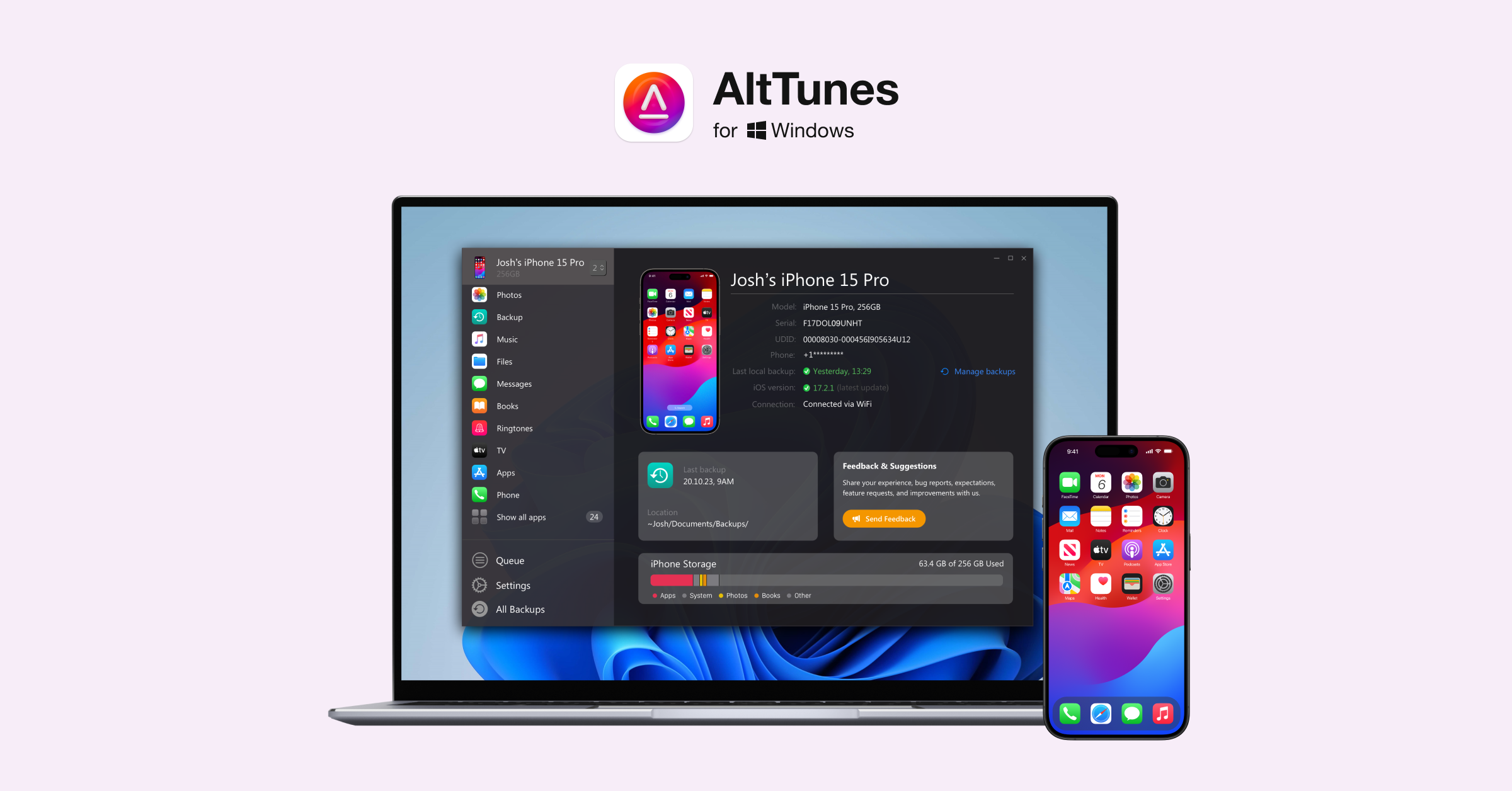
Windows users can download AltTunes to export and manage iPhone photos, music, messages, contacts, and files on a PC. AltTunes handles local iPhone data rather than remote screen control, so use Veency only when remote control is the actual job.
AltTunes vs Veency comparison for Windows users
Category | Veency | AltTunes |
|---|---|---|
Main purpose | Remote screen control through VNC on a jailbroken iPhone. | Jailbreak-free iPhone data access, export, and backup on Windows. |
Jailbreak required | Yes. Veency belongs to the Cydia/jailbreak ecosystem. | No. It works with standard iPhones. |
Windows fit | Needs VNC setup and a jailbroken iPhone. | Built for Windows 10 and 11 users managing iPhone data. |
Photos and videos | Not the main job. | Good fit for moving iPhone media to a PC folder. |
Messages and contacts | Not the main job. | Useful for saving message threads and contacts to Windows. |
Backups | Not a backup manager. | Built for local iPhone backup and export workflows. |
Best user | Technical user with an old test device. | Windows user who wants iPhone files without iTunes or jailbreak. |
How AltTunes vs Veency changes iPhone file access on Windows

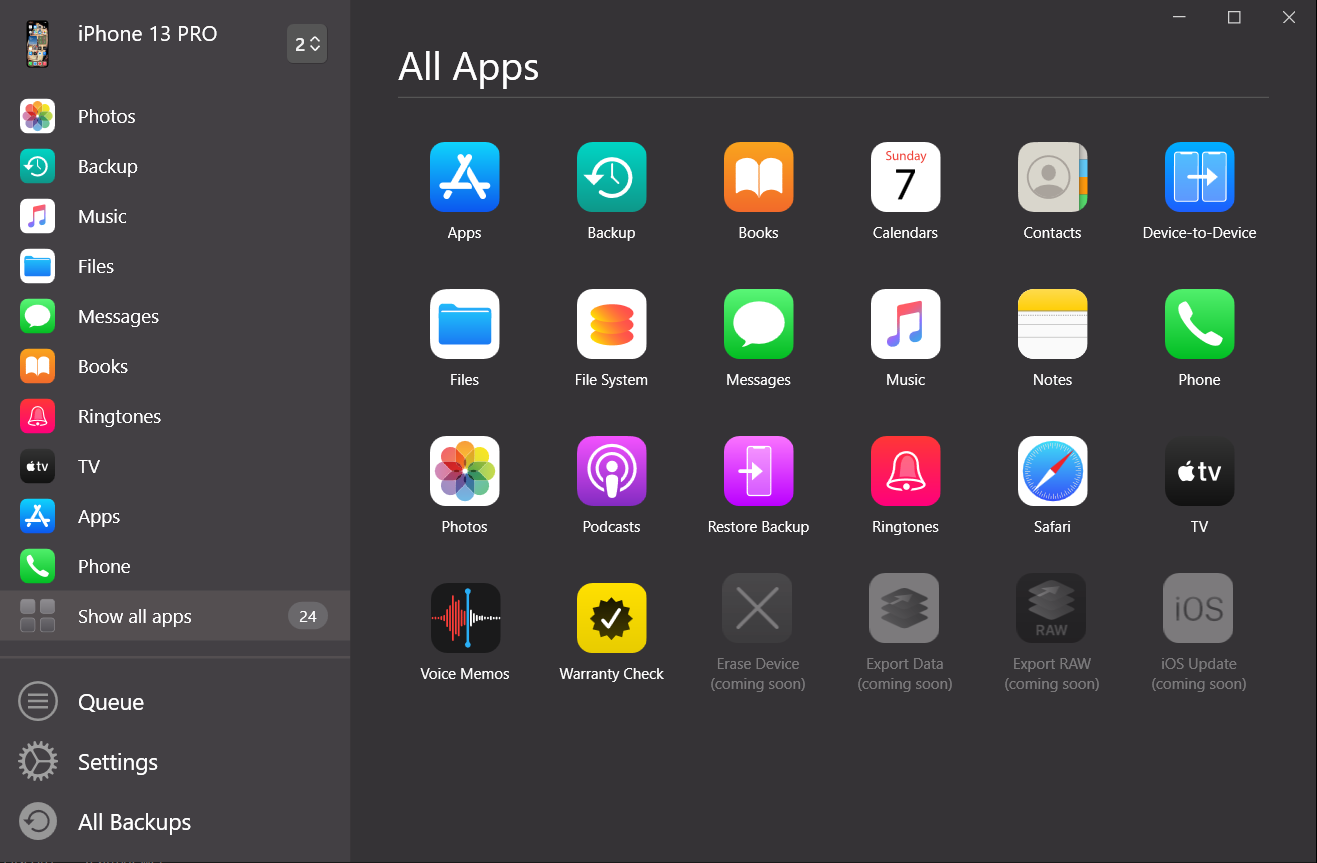
In the AltTunes vs Veency choice, you can access iPhone files on Windows without jailbreaking by using AltTunes as the local iPhone manager. The workflow is intentionally boring: connect the phone, choose the data type, and export it to a folder you control.
- Download AltTunes from Softorino and install it on your Windows PC.
- Connect your iPhone or iPad with a USB cable and trust the computer if iOS asks.
- Choose what you need: photos, videos, messages, contacts, music, notes, files, or a backup.
- Pick a Windows destination, such as your desktop, Documents folder, or an external drive.
- Export the data and keep it where you can actually find it later.
This is the practical reason AltTunes exists. iTunes and newer Apple tools can be fine for basic sync and backup. They are less pleasant when you need a specific message thread, a folder of photos, or a local copy of iPhone data on a PC.
Why AltTunes vs Veency is really about jailbreak risk
Veency is not risky because remote control is a bad idea. It is risky because Veency requires a jailbroken iPhone. Apple says unauthorized iOS modifications can bypass security features and cause security vulnerabilities, instability, shorter battery life, unreliable service, and problems applying future software updates. Apple also explains in Apple Platform Security why iPhone protection depends on built-in hardware, software, and app-security layers working together.
- Security: jailbreaking removes protections Apple designed into iOS.
- Stability: modified systems can crash, drain battery, or break after updates.
- Updates: future iOS updates can become harder or impossible to apply cleanly.
- Apps: banking, payment, and work apps may refuse to run on modified devices.
- Support: troubleshooting a jailbroken daily phone is rarely worth it for file export.
Fair verdict: Veency may be useful for an old jailbroken test device. It is a bad path if all you want is iPhone photos, messages, contacts, or backups on Windows.
When Veency still makes sense in AltTunes vs Veency

In AltTunes vs Veency, Veency can still make sense in one narrow case: you already have a jailbroken device, you understand VNC setup, and you specifically need remote screen control. That is a technical use case, not a mainstream iPhone manager use case.
Do not treat AltTunes as a Veency clone. AltTunes does not remotely control your iPhone screen. It solves the safer, more common Windows problem: getting your iPhone data onto your PC without iTunes, iCloud confusion, or jailbreak risk.
- Use Veency only for remote control on an old jailbroken test device.
- Use AltTunes for photos, videos, messages, contacts, files, notes, music, and backups on Windows.
- Use Apple’s tools when a basic official backup or photo import is enough.
- Skip jailbreak when file access is the only reason you are considering it.
AltTunes vs Veency: what AltTunes does instead of remote control
AltTunes is an iPhone file manager for Windows. It is built for the tasks Windows users usually mean when they search for safe iPhone access: export media, save messages, pull contacts, browse supported files, handle notes, and keep local backups.
That makes it useful before a repair, a phone switch, a storage cleanup, or a legal/admin task where you need records saved outside the phone. You are not poking holes in iOS to see your own data. You are using a Windows app made for that job.
- Photos and videos: move iPhone media to Windows folders without relying on iCloud Photos.
- Messages: save iMessages, SMS, and WhatsApp threads when you need records.
- Contacts and notes: export personal data to your PC for backup or migration.
- Music and files: manage supported iPhone content from Windows without opening iTunes.
- Backups: keep a local copy of iPhone data on storage you control.
Safer Veency alternatives depend on the job
The safest Veency alternative in an AltTunes vs Veency decision depends on what you were trying to do. If you wanted remote screen control, look for Apple-approved screen sharing or device-management routes and verify the current iOS support before installing anything. If you wanted file access, do not use a remote-control tool at all.
For file access, AltTunes is the better match. It targets Windows iPhone management directly, and it avoids the category mistake that makes many AltTunes vs Veency comparisons confusing.
Still comparing iPhone managers? The broader decision is covered in AltTunes vs iMazing, AltTunes vs Apple Devices App, and TeamViewer vs AltTunes. Those comparisons separate file access, Apple’s default tools, and remote-support workflows.
Final verdict on AltTunes vs Veency for Windows file access
AltTunes vs Veency comes down to risk and intent. The AltTunes vs Veency winner depends on whether you need safe file access or risky remote control. Veency is for remote control on jailbroken iPhones. AltTunes is for safe Windows iPhone access without jailbreaking. If your goal is to export photos, messages, contacts, files, notes, music, videos, or backups, AltTunes is the practical answer.
If you are a Windows user trying to get out of the iTunes mess, try AltTunes free. If you use multiple Softorino apps, the Softorino Universal License can cover the core tools under one subscription.
FAQ
Is AltTunes a Veency alternative?
AltTunes is a Veency alternative only if your real goal is safe iPhone data access on Windows. It is not a remote-control or VNC replacement. Use AltTunes for file export, photos, messages, contacts, backups, and Windows iPhone management.
Can I use Veency without jailbreaking?
No. Veency belongs to the jailbreak/Cydia ecosystem and is meant for jailbroken iPhones. If you do not want to jailbreak, use a standard iPhone manager such as AltTunes for Windows file access instead.
How do I access iPhone files on Windows without jailbreak?
Install AltTunes on your Windows PC, connect your iPhone with USB, choose the data type you need, and export it to a local folder. That avoids iTunes sync and does not require jailbreaking.
Is jailbreaking safe for iPhone file access?
Jailbreaking is the wrong tradeoff for normal file access. Apple warns that unauthorized iOS modifications can create security, stability, battery, service, and update problems. Use a jailbreak-free tool when you only need iPhone data on Windows.
What is the safest way to export iPhone messages to a PC?
Use a Windows iPhone manager that works with standard iPhones. AltTunes is built for saving iPhone data, including message export workflows, without jailbreaking the device.
Does AltTunes replace iTunes on Windows?
AltTunes can replace iTunes for many everyday export, backup, photo, message, contact, music, and file-management jobs on Windows. It is not meant to replace every Apple media or subscription feature.

AltTunes
Seamlessly Browse, Manage & Export iOS Data
