How to Recover Deleted Photos on iPhone in 2026


How to Recover Deleted Photos on iPhone in 2026
TL;DR
- Check Recently Deleted first, you have up to 30 days
- If it’s not there, the next best option is a backup made before deletion
- If you want to recover photos without wiping your iPhone, AltTunes can help you pull photos from a local backup on a Windows PC
Deleted photos feel like a punch in the stomach, especially when they were important. The good news is you still have a few real options, and the fastest one takes under a minute.
Below is the exact order to try, plus what to do when the 30-day window is gone.
What photo recovery on iPhone really means
When you delete a photo, iPhone does not always erase it right away. In many cases, it moves it into Recently Deleted, then removes it later.
After it gets removed from Recently Deleted, your best chance is a backup made before you deleted it. If you keep using the iPhone, new data can take the space where old files were, and that lowers the odds of recovery.
If you want a deeper breakdown of what happens after deletion, this article explains how to recover permanently deleted photos.
Step 1, recover from Recently Deleted
Open PhotosTap AlbumsScroll to UtilitiesOpen Recently DeletedUnlock it with Face ID, Touch ID, or passcodeSelect the photos, tap Recover
What to know about the 30-day timer
- The countdown starts the moment you delete the photo
- You can delete items from Recently Deleted too, that is final
- Shared Photo Library has extra rules, only the uploader can recover some items
If your photo is not there, move to backups.
Step 2, recover from iCloud or computer backups
Backups work only if the backup was created before the photo was deleted.
iCloud backup recovery
This usually requires a full restore, which means you wipe the iPhone and restore from a backup.
Also note that iCloud Photos and iCloud Backup are not the same thing. If iCloud Photos was on, photos might be synced, not stored inside the backup file.
If you want to avoid surprises, this article explains what happens when you delete an iCloud backup.
Mac backup recovery with Finder
If you backed up to a Mac, Finder manages iPhone backups.
Restore puts the phone back to the backup date. Anything created after that date may not come back.
Windows backup recovery with iTunes or Apple Devices
On Windows, backups are usually stored locally through iTunes or the Apple Devices app.
Restore works, but it also replaces your current data with the backup snapshot.
If you need a simple refresher on the full process, this article explains how to back up and restore iPhone.
What most people get wrong
1) They keep taking new photos first
New photos and app data can reduce your chances because storage space gets reused over time. If you think a backup restore is needed, stop filming and stop downloading stuff until you decide.
2) They assume iCloud backup contains iCloud Photos
If iCloud Photos is on, your photos might be synced separately. That can change what is inside an iCloud backup.
This article explains how to move photos to iCloud and what sync means in real life.
3) They restore a backup and lose newer data
A backup restore is not selective. It is a full rollback.
If you want a safer path, use a tool that lets you pull photos out of a backup without wiping the iPhone.
Key takeaways
- Recently Deleted is the fastest win, act within 30 days
- After that, a backup made before deletion is the main option
- A full restore can bring photos back, but it can also roll back newer data
- If you want to recover photos without wiping your iPhone, pull photos from a local backup instead
Next step
Recover photos from an iPhone backup using AltTunes
If you have a local backup on a Windows PC, AltTunes can help you recover photos without doing a full iPhone reset. This is useful when you want your current iPhone data to stay as is.
AltTunes is also a solid alternative when iTunes feels limiting and you want more control. If you want a broader overview, this article covers common options around iTunes replacementshttps://softorino.com/blog/itunes-alternative
What you need before starting
- a Windows PC
- an iPhone or iPad
- a USB cable
- a local backup made before the photos were deleted
Download AltTunes

AltTunes
An Alternative to iTunes That We Always Wanted
Step 1, install AltTunes on Windows
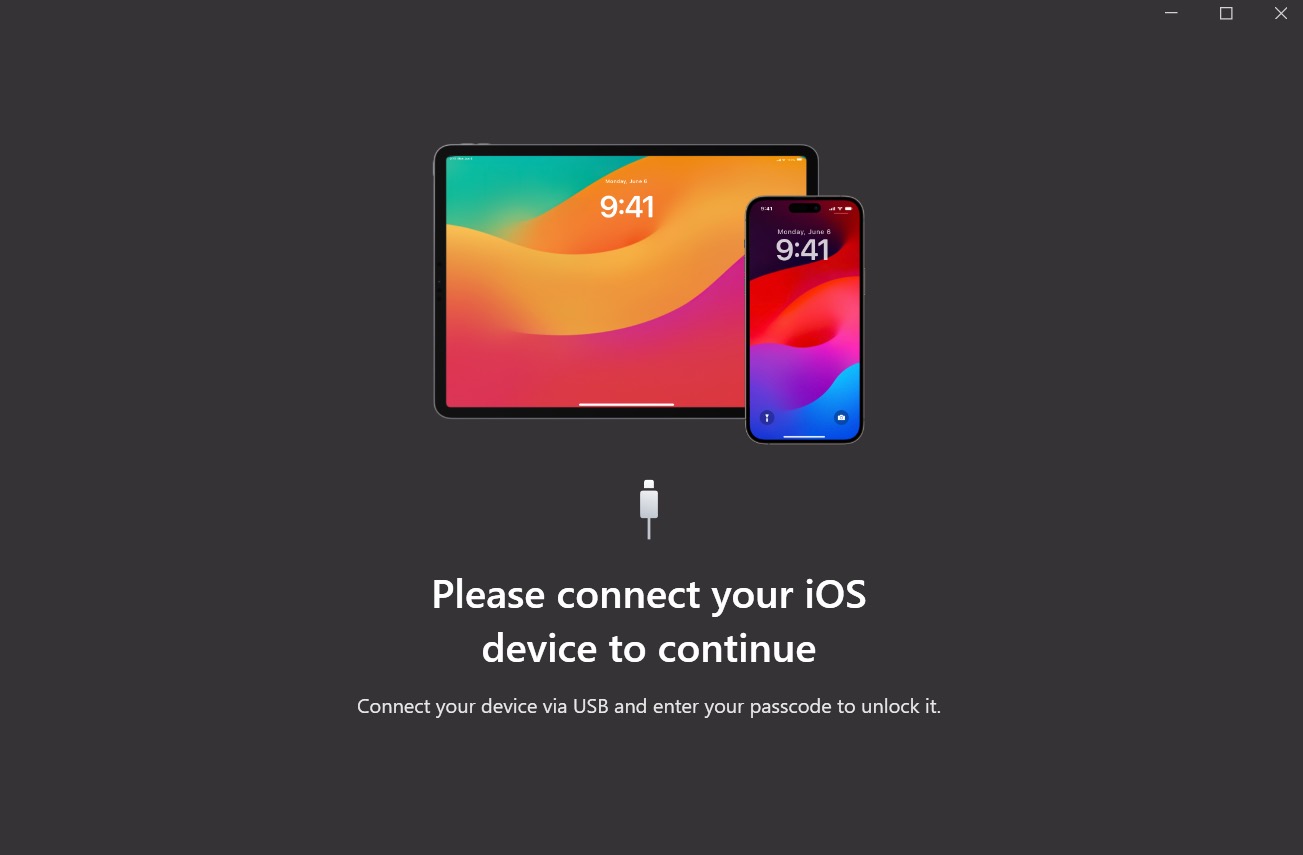
Download AltTunes from the page above and install it like a normal Windows app.
Open AltTunes after install.
Step 2, connect your iPhone once
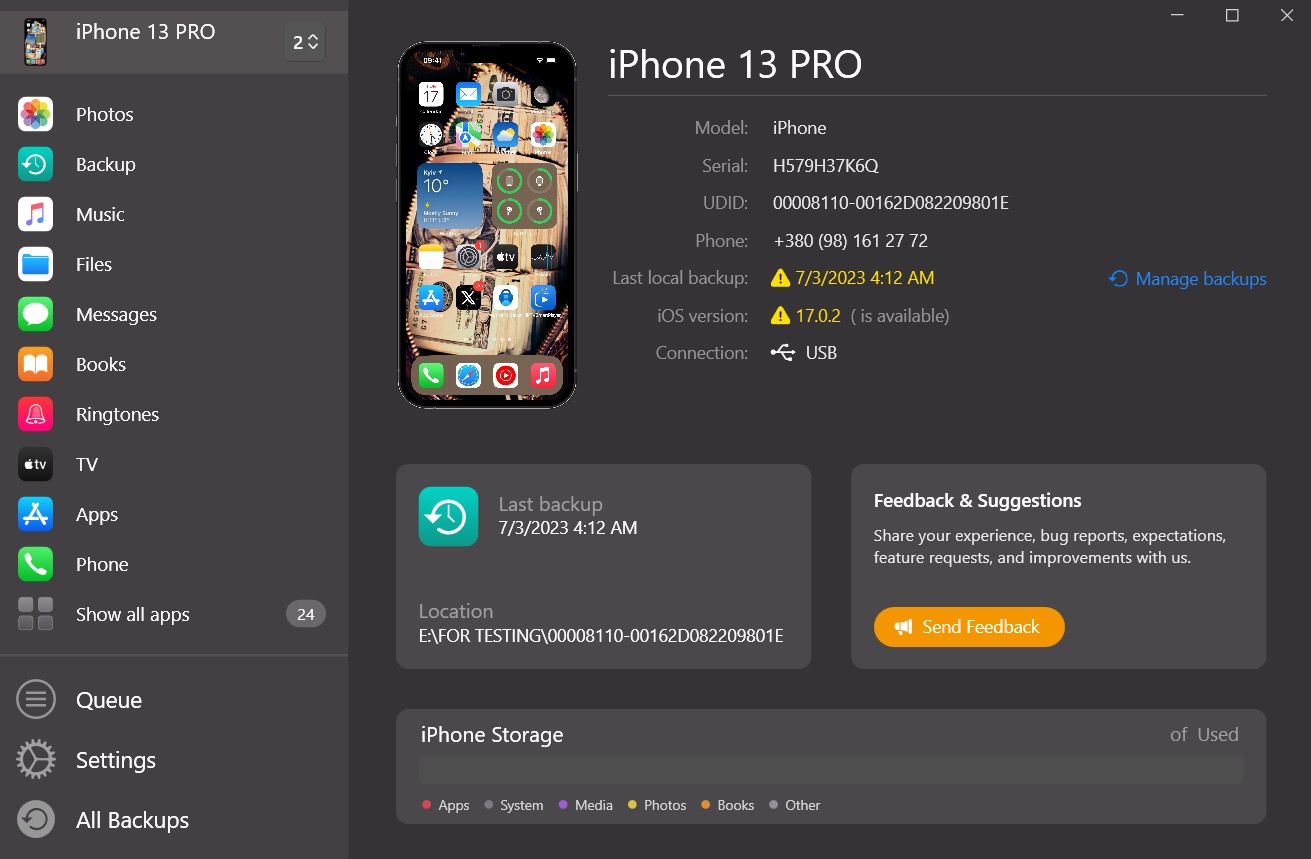
Connect your iPhone to the PC with a cable. Unlock the iPhone and tap Trust if you see the prompt.
AltTunes should detect your device.
If Windows keeps failing to see your iPhone, this article covers a common cause and fixes.
Step 3, pick the backup and preview photos
In AltTunes, open the backup section and choose the backup date that was created before you deleted the photos.
Preview the photos first, then select what you want to recover.
This article explains how backups work and where to find them.
Step 4, save the recovered photos to your PC
Export the selected photos to a folder on your PC.
After that, you can import them back to Photos on iPhone if needed, or just keep them safely on your computer.
If you want a safer habit going forward, this article explains how to back up iPhone to an external hard drive.
An Alternative to iTunes That We Always Wanted

FAQs
How long do deleted photos stay in Recently Deleted?
Up to 30 days, unless you delete them from Recently Deleted manually.
Can I recover deleted photos without resetting my iPhone?
Yes, if the photos are still in Recently Deleted. Also yes if you can pull the photos from a local backup without doing a full restore.
Why don’t I see my deleted photos in Recently Deleted?
The 30 days may have passed, or they were deleted from Recently Deleted too. In some cases, Shared Photo Library rules can also affect who can recover them.
What if I have no backups at all?
Your chances go down a lot after the 30-day window. The best next move is to stop creating new data and check any old backups on computers you used before. This article explains options for permanently deleted photos.
AltTunes
Seamlessly Browse, Manage & Export iOS Data
